

A time and attendance demo always looks good: clean screens, colorful reports, fast clicks. The problem is that a demo runs the vendor's scenario, not your organization's. Your night shift, your three branches, your subcontractor crew and your two different approval chains are not in the demo. "Best" is not a universal title for time and attendance software; it is the system that carries your setup with the fewest exceptions.
The ten questions below are designed to turn the demo into your own scenario. For each one, we also note what to look for and which answer is a red flag.
1. Does setup require network configuration and a server?
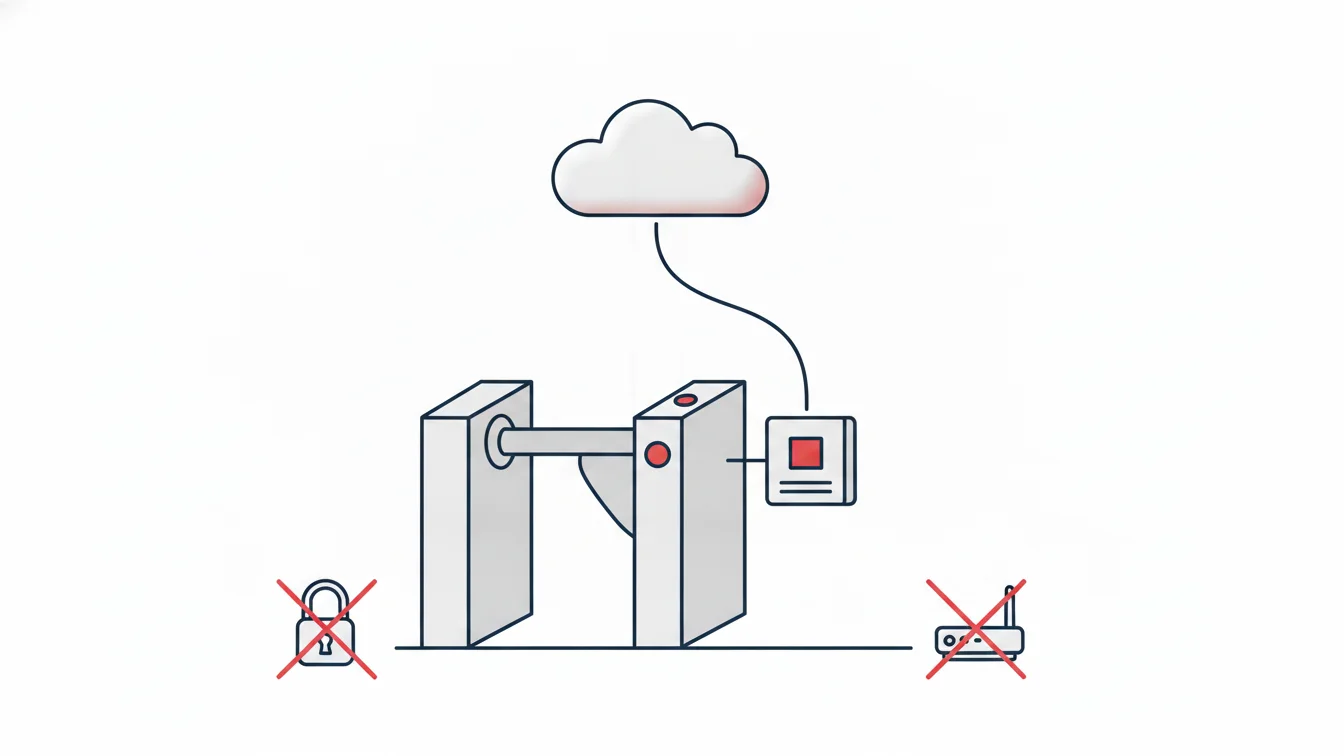
Red flag: "Your branch needs a static IP," "we'll open a port on the router," "set aside a computer." In a cloud-based system, a new branch is simply a definition; on-site devices connect outbound through a connectivity device, and no network configuration is needed. We have written separately about the difference between cloud and on-premise.
2. Can I define my shift rules exactly as they are?
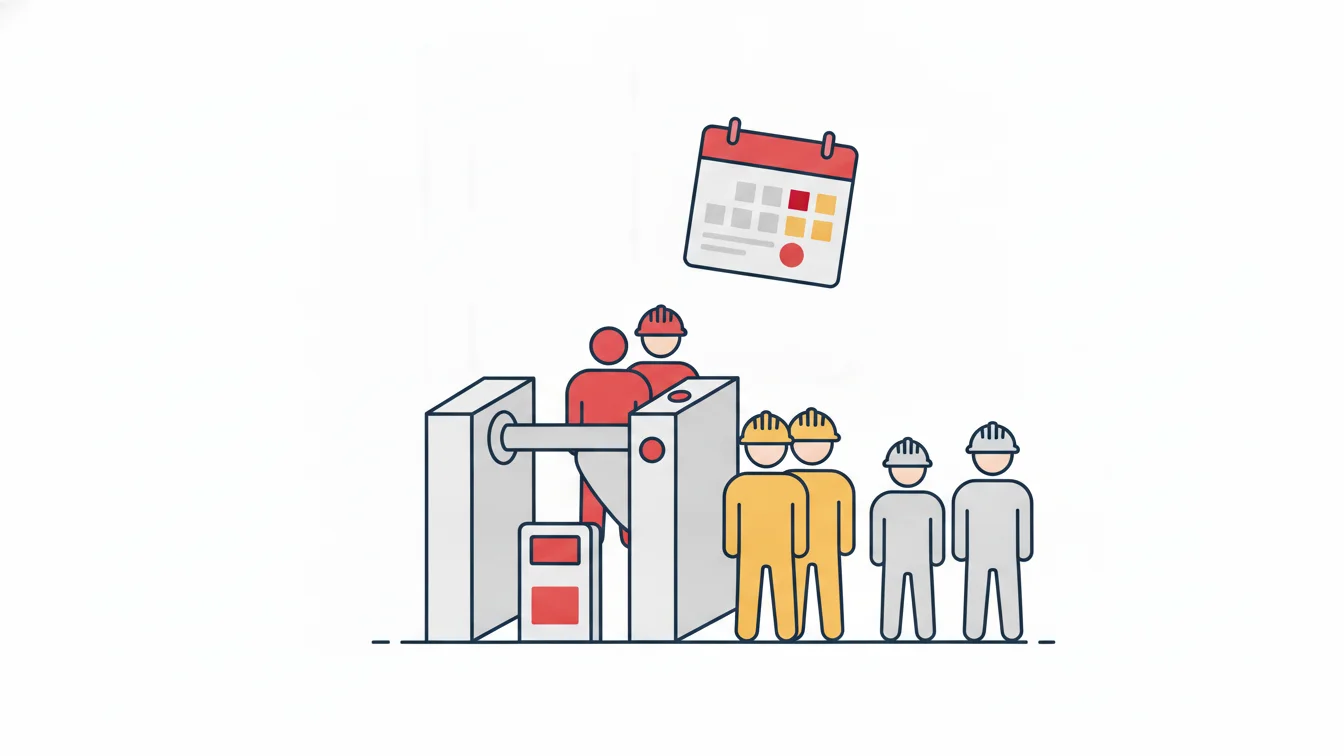
Ask them to build your most complex shift during the demo: a night shift that runs into the next day, an office shift with a flexible start, a production shift with two breaks, minute-level tolerance, a minimum overtime threshold. Red flag: "We'll set that up in the background." If a rule is not visible in the panel, it won't be changeable from the panel when it changes.
3. Are leave, approvals and balances in the same system?
Leave requests, the approval chain (hierarchical, single approver, custom), accruals and the reconciliation form should live in the same place as attendance tracking; otherwise you end up matching two spreadsheets by hand. Red flag: "Leave is a separate module, with a separate price and a separate login."
4. How are mobile clock-ins verified?
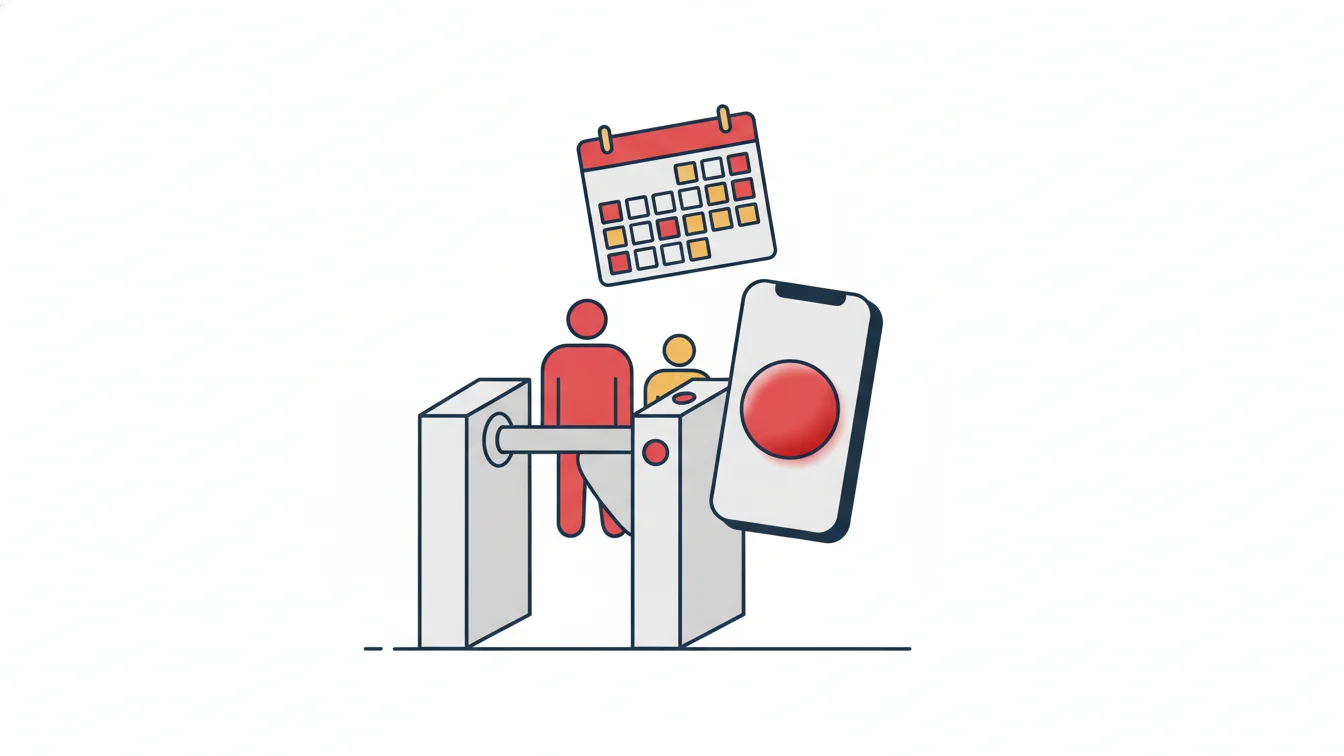
Starting the workday from a phone can be reliable, but not with a single tap. QR (optionally dynamic), location and device pairing should work together and be selectable per site. Red flag: location only, or just a button; or biometrics (face, fingerprint) being recommended for reliability, which leads to the next question.
5. What personal data does it collect?
Biometric data is a special category of personal data, and it is not needed for attendance tracking. Location should be checked only at the moment of the transaction and only at sites the organization has enabled; there should be no all-day tracking. To help you prepare your privacy notice, the vendor should state in writing which data is processed and how. Red flag: "Fingerprints are more secure, everyone uses them." See our article on choosing a system that complies with Türkiye's Personal Data Protection Law (KVKK).
6. How do reports reach me?
Having reports in the panel is not enough; late arrivals, absences and open records should land in the relevant manager's inbox every morning, scoped to their own team. The detailed monthly report and the timesheet should export to Excel in one click. Red flag: "Managers log into the panel and filter."
7. Who sees what, and how is that decided?
Page permissions and data scope should be definable separately: a branch manager sees their own branch, a subcontractor supervisor sees their own company, HR sees everything; roles should be tied to positions. Every manual correction should be reported with who, when and why. Red flag: only two levels, "admin" and "user."
8. How does it talk to my existing systems?
Initial data should be importable from Excel through a wizard; there should be web services for employee, branch and clock-in/out data; the timesheet should reach your payroll software via Excel or a web service. Red flag: "We'll enter your data for you" or "there's no export."
9. What happens on the hardware side?
If you have turnstiles and card panels: can your existing devices be connected, how long does it take for a card definition to reach the devices, are entries lost when the connection drops, and do card and mobile entries end up in the same timesheet? Red flag: card cancellation requiring "a service visit."
10. What are the cost model and support like?
Ask what the subscription includes: updates, backups, support channel, adding new branches, the mobile app. During the free trial you should be able to work with your own data. Red flag: an upfront license plus an extra fee for every module plus annual maintenance; or a trial limited to demo data.
Decision table
| Question | Expected answer | Your notes |
|---|---|---|
| Setup | No network configuration, no server | |
| Shifts | My most complex shift was built in the panel | |
| Leave and approvals | Same system, approval model is selectable | |
| Mobile verification | QR + location + device, per site | |
| Personal data | No biometrics, location only at the moment of the transaction | |
| Reports | Automated email, scope-based, Excel | |
| Permissions | Role + data scope, audit trail for manual changes | |
| Integration | Excel import + web services | |
| Hardware | Existing devices, cards active within seconds | |
| Cost | Subscription, everything included, trial with real data |
Bring your own data to the demo
The best trial is one run with ten of your own employees, your own shifts and your own leave types. One week of real use tells you more than a two-hour demo. Once you fill in the table above and put two vendors side by side, the decision usually makes itself.
How does NetKurum answer these questions?
NetKurum is fully cloud-based; shifts, flexible shifts, tolerances and breaks are defined in the panel; leave types, four approval models and accruals are in the same system; mobile clock-in uses QR + location + device pairing, selected per site; no biometric data is collected; reports are emailed to managers at a set time and can be exported to Excel; permissions are role- and position-based, with data scope by site and company; Excel import and web services are available; turnstiles and card panels connect to the cloud through a connectivity device. See the full list of features here.
In a demo, the vendor's scenario runs. In a trial, yours should.
Frequently asked questions
Do the same questions apply to a small business?
Yes; usually only the hardware question drops out. Shifts, leave, mobile verification and the cost model are decisive in a small team too.
How long should a free trial last?
It should cover at least one timesheet period (one month); at the end of the first month, compare the resulting timesheet with your old method.
Should I ask for customer references?
Yes, and from your own industry and scale. If you have a multi-branch or subcontractor-heavy structure, talk to a reference with a similar setup.
Can price alone be the deciding factor?
No. The cheapest system can become the most expensive once you count the hours spent on manual corrections. Add the time HR spends at month-end to the total cost.
Try it with your own data
You can try NetKurum free with your own employees and shifts, and we can answer the ten questions together. Start your free trial or contact us.
About the author
Selin Kaya
Digital Content Specialist
Writes for NetKurum's digital content team on time and attendance, leave and shift management. She explains how the product works and answers HR teams' everyday questions in plain language.