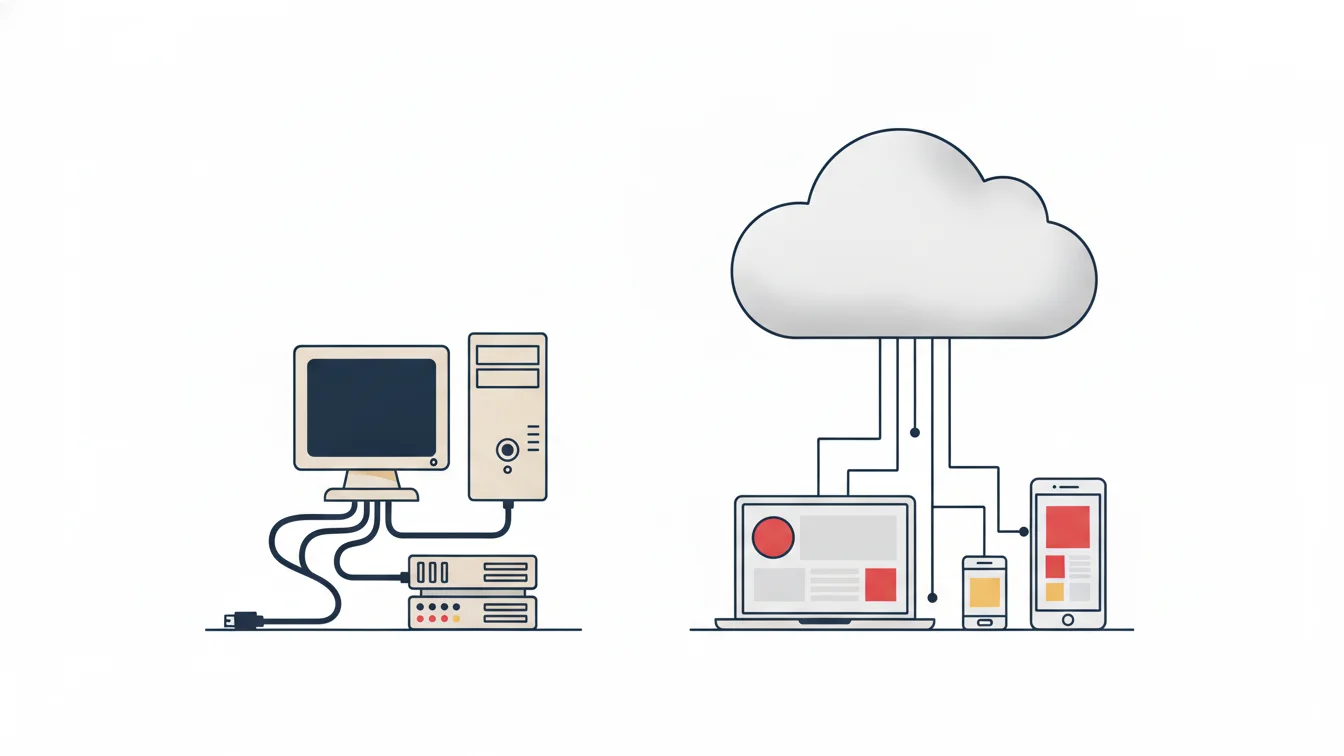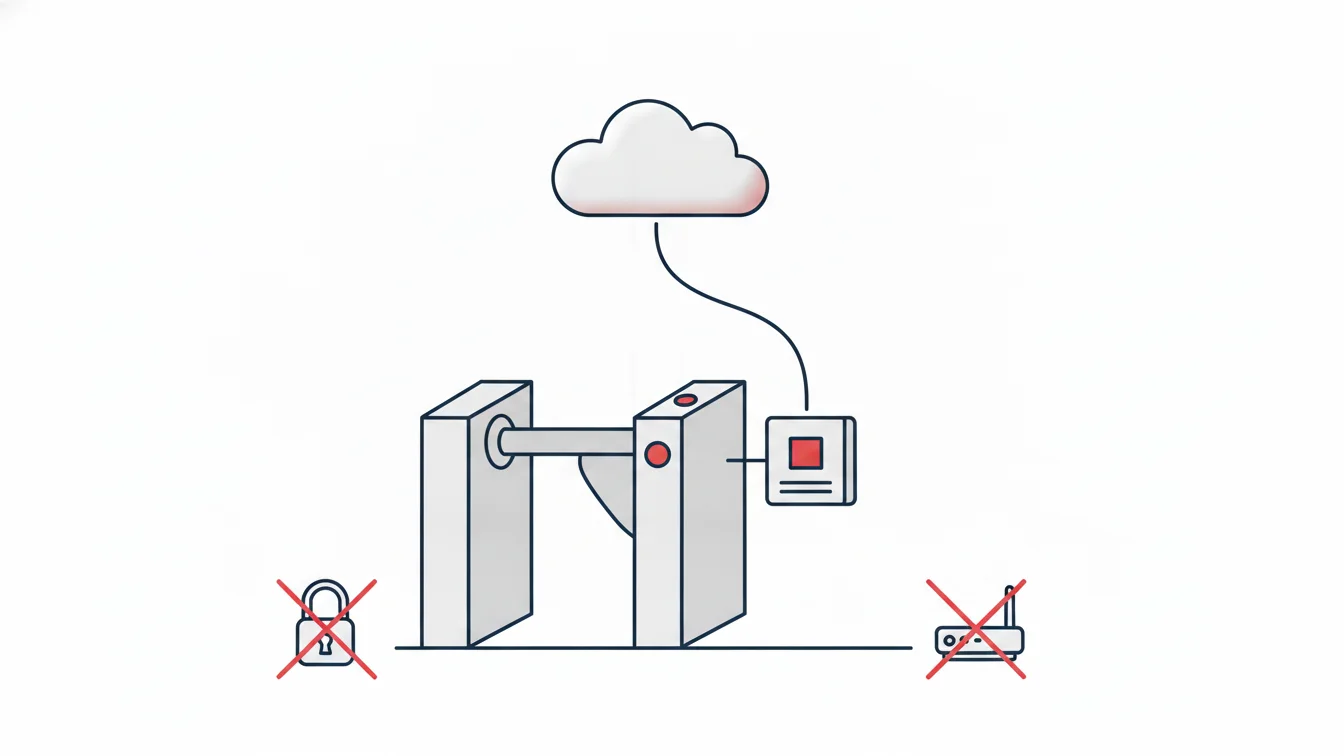


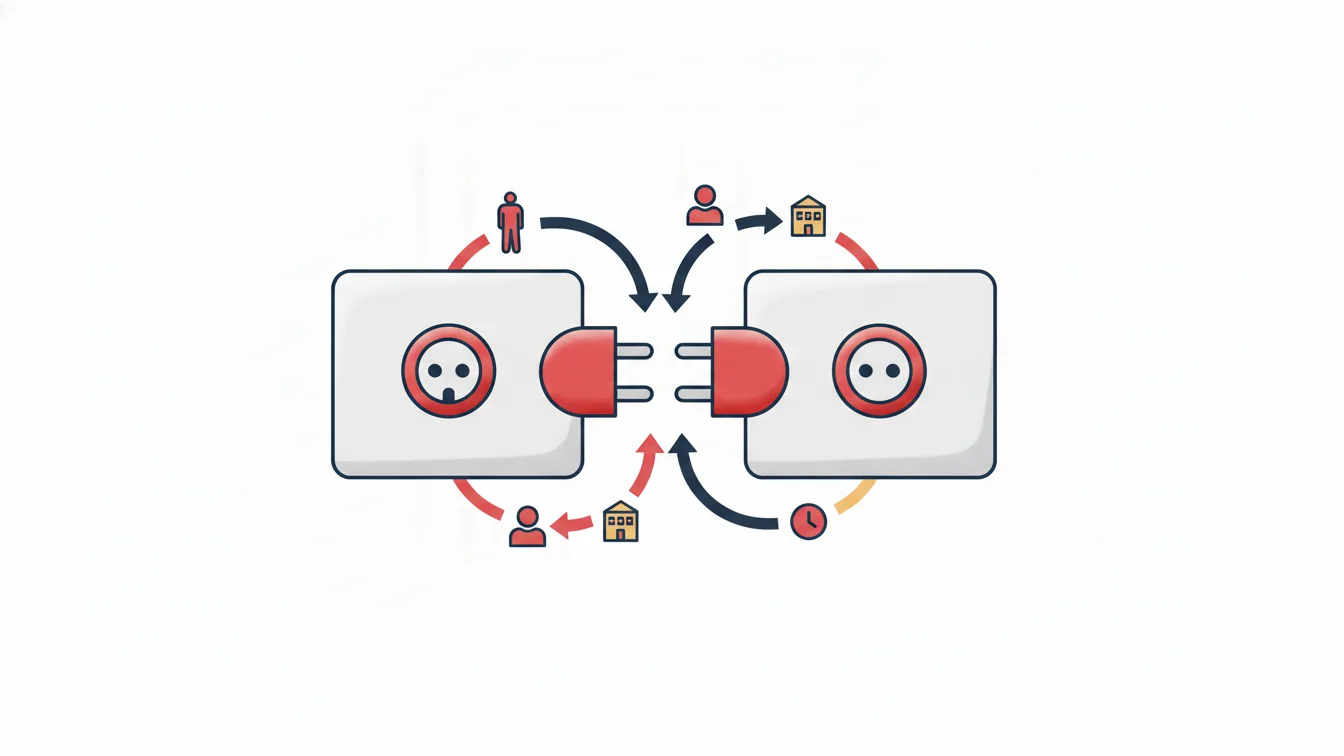
In most organizations, employee data lives in more than one place: in the payroll software, in the ERP, in the HR system and in the time and attendance system (PDKS). The same person is defined four times, and when one record changes the other three go out of date; a new hire is in payroll but not at the turnstile. The goal of integration is not to reduce four systems to one, but to establish a single source of truth between them: a person is defined in one place, and the others take it from there.
In this article we explain which data time and attendance syncs with enterprise systems and in which direction, how to plan an integration in non-technical terms, and what to do if there is no API. Rather than technical detail, we aim to give decision-makers the framework they need.
Which data, in which direction?
| Data | Source | Target | When |
|---|---|---|---|
| Employee (hire, update, termination) | HR / ERP | Time and attendance | When the record is created |
| Branch / site | HR / ERP | Time and attendance | When a new branch opens |
| Position, department | HR / ERP | Time and attendance | When the organization changes |
| Clock-in/clock-out records | Time and attendance | HR / payroll / ERP | Continuously or at period end |
| Timesheet summary | Time and attendance | Payroll | Month end |
| Branch QR code | Time and attendance | Enterprise application | When generated |
The rule is simple: employee and structural data flows from the enterprise system to time and attendance, and activity data flows from time and attendance to the enterprise system. Entering the same data by hand in both directions is not integration.
Three benefits of integration
- Automatic access provisioning: an employee defined in the HR system automatically gets mobile app access; when someone leaves, their access and card are closed at the same time. This is the biggest security gain.
- No more duplicate entry: branches, departments and positions change in one place; time and attendance reports always reflect the current structure.
- No manual feeding of payroll: clock-in/clock-out and timesheet data flows to the enterprise system at period end; overtime and missing days are not typed in by hand.
What do web services do? (in plain language)
A web service is a gateway through which two pieces of software ask each other structured questions and receive answers. On the time and attendance side, typical services include:
- Employee services: list, get details, add, update, change status (active/inactive). The enterprise system's employee ID is stored in time and attendance, so the two records recognize each other.
- Branch services: save branch (adds it if it does not exist, updates it if it does), generate branch QR code (standard or dynamic).
- Clock-in/clock-out services: return everything after the last record received; send records in bulk (for passes coming from another source).
Access is protected by a key; the key is issued per organization and can be renewed on request. The organization's software team or ERP consultant builds the sync using these services; the provider supplies documentation and a test environment.
No API? Transfer with Excel
Not every organization has an integrated HR system. In that case, the initial data (branches, departments, positions, employees) is imported from Excel with a field-mapping wizard, and periodic updates can also be done with Excel. Timesheets and reports from time and attendance are carried over to the payroll software as Excel files. This is integration too, just triggered by hand. When volume grows, moving to web services is easy because the data structure is already in place.
Integration plan: five steps
- Choose your source of truth: which system owns employee data? (Usually HR / payroll.)
- Write the field mapping: which field maps to which; branch codes, position names, employee types.
- Set direction and frequency: employee changes instantly; activity daily or at period end?
- Define the exceptions: subcontractor staff who are not in the ERP, temporary visitors: who is created where?
- Validate in a test environment: start with one branch and ten people; compare reports in both systems; then expand.
An example
At a multi-branch financial institution, it was a critical requirement that employees sign in with the identity they already used within the organization, and that employee, branch and position data never drift out of sync between the two systems. The solution was a key-protected, closed-loop integration that synchronized employee, branch, shift and clock-in/clock-out data within seconds; employees defined in the enterprise system automatically gained app access, and every clock-in and clock-out flowed back to the enterprise side.
Integration in NetKurum
NetKurum offers HTTP- and JSON-based web services for external systems: employees (list, add, update, status), branches (save, generate QR code), and clock-in/clock-out records (retrieve everything after the last record, send in bulk). Employee and branch data can be synced with HR and ERP systems; branches, positions, departments and employees can be imported from Excel, and reports can be exported to Excel. Hardware such as turnstiles and card panels joins the same event stream through the connectivity device. Integration documentation is shared on request; contact us.
The measure of integration is not how many systems are connected, but how many times a person is defined. The goal: once.
Frequently asked questions
Is there a direct integration with our payroll software?
Timesheets and reports can be carried over to any payroll software as Excel files; if your payroll software supports web services, a direct sync can be set up with your organization's consultant.
Who develops the integration?
The organization's software team or ERP consultant; we provide the service documentation, test access and technical support.
How is security ensured?
The services are protected by a key, and access is per organization; the key can be renewed and its usage is logged.
Can we start with Excel and move to the API later?
Yes; that is the most common path. Because the data structure is the same, the switch does not require a new setup.
Let's get your systems talking
Tell us which HR, payroll and ERP systems you use, and we will draw up the sync plan together. Contact us or start your free trial.
About the author
Zeynep Çelik
Digital Content Specialist
Covers technology, integrations and field deployments on the NetKurum blog. She explains cloud time and attendance, connectivity devices and real customer experiences with clear examples.