
A large part of an HR team's day goes into answering the same questions: "How many days of leave do I have left?", "How many hours of overtime did I work last month?", "Has my advance been approved?", "I missed the announcement; what did it say?" None of these questions requires HR expertise; the answer to every one of them is already in the system. Self-service HR means putting that answer in the employee's pocket.
In this article we explain what a mobile employee portal brings to HR and to employees, how to set up announcements and notifications, and what it takes for the app to actually be used.
Four benefits of self-service HR
1. Question traffic drops
Employees who can see their balance, activity history and request status do not need to ask. That means a visible drop in HR's phone traffic; the time saved goes to approval processes, reports and the real work of HR.
2. Record accuracy improves
If employees see their own records every day, errors are noticed the same day: "my clock-out yesterday wasn't recorded" gets reported the next morning, not at the end of the month. Transparency is the best auditor of the timesheet.
3. Requests go on record
When leave, advance and expense requests are submitted through the app instead of by message or email, they enter the approval chain, their status is tracked and their history is kept. The "but I told you" argument is over.
4. Communication moves to a single channel
Announcements, procedures and celebrations are gathered in the app rather than scattered across different groups, and you can see who has read them.
What should the portal include?
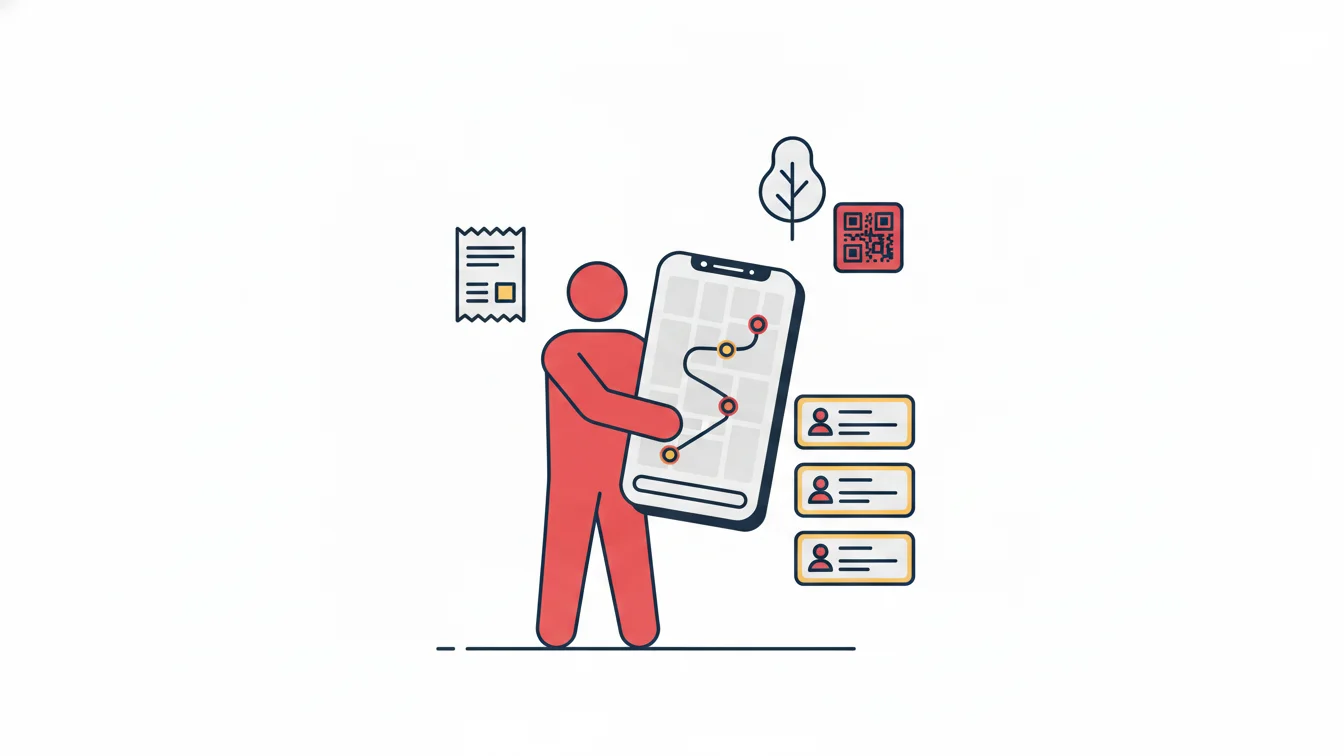
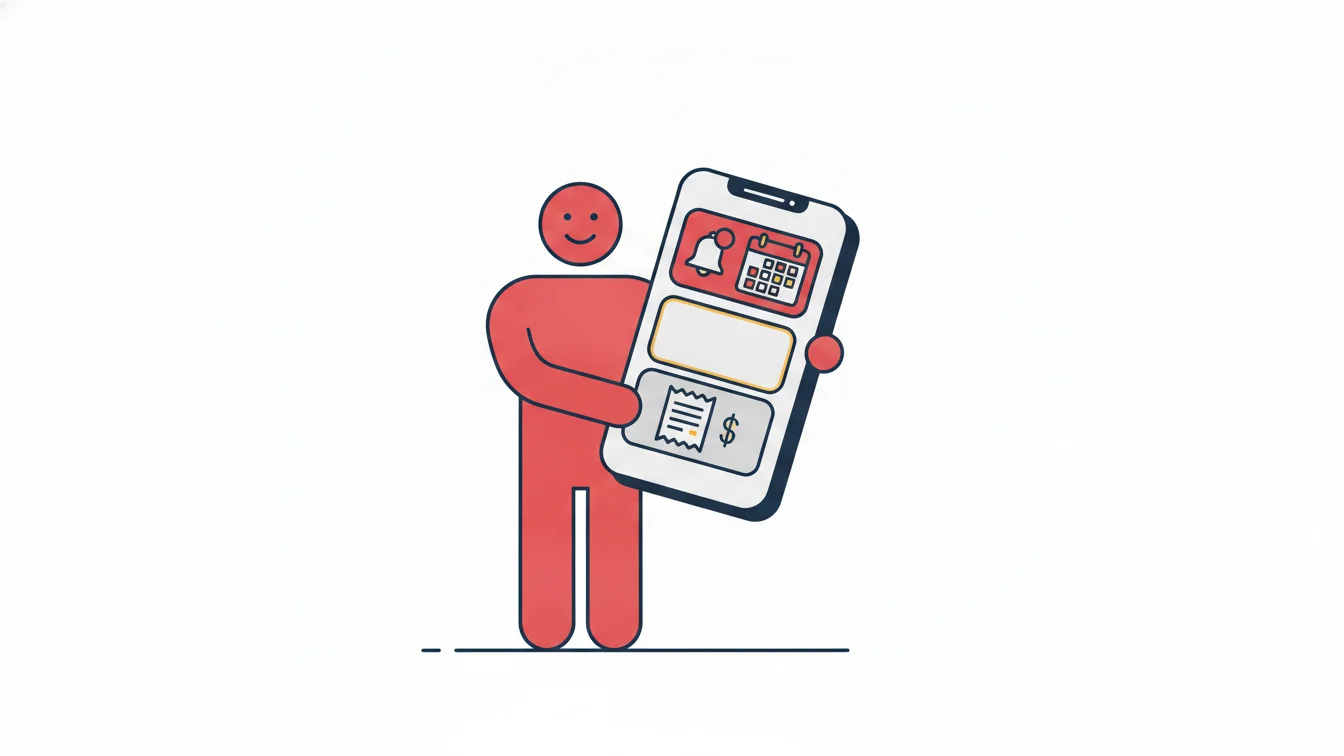
A good employee app brings an employee's day-to-day tasks together on one screen and keeps everything else one tap away:
- Work time: Start / End Shift, breaks, today's working time, recent activity
- Activity history: a monthly list showing each day's clock-ins and clock-outs, leave, overtime and undertime
- Leave: submitting requests (including hourly leave), uploading documents, earned / used / remaining balance
- Advances and expenses: requests, receipts, approval status, history
- Announcements and notifications: targeted announcements, approval/rejection notifications, reminders
- Profile and settings: contact details, password, device
- Support: a direct channel for questions about the app
What it should not include is just as clear: employees seeing other people's data. The portal shows only the employee's own records; manager functions are unlocked by the manager's role.
Setting up announcements and notifications
An announcement sent to "everyone" reaches no one. Announcements should be targeted: by site, department, subcontractor company or group of people. Use two channels: mobile push notifications (urgent and short) and email (documented and long). Track the read rate for each announcement; knowing that "forty percent have read it" helps you decide whether to resend it. It should be possible to attach files (procedures, forms). System notifications (leave approved, expense rejected, shift left open) should be separate and impossible to turn off, while announcements can be adjusted to the employee's preferences.
Driving adoption of the app
Even the best app is useless if nobody downloads it. Three practical tips:
- Give a reason on day one: make the first thing people see after downloading the app their own leave balance. The value is visible immediately.
- Link work time to the app: at sites that use mobile clock-in, the app becomes a necessary habit; even where card access is used, people open it to check their history and balance.
- Get managers on board too: when approvals are given through the app, employees wait for the response in the app, and the loop is closed.
Measure adoption: the active user rate, the share of requests submitted through the app, and the announcement read rate. If all three are rising, the portal is working.
The link to employee engagement
Engagement is not built with big words but with small experiences. Waiting three days to find out your leave balance, calling on payday to ask "where's my overtime?", hearing about an announcement in the hallway: each is a small loss of trust. A transparent, accessible and fast portal prevents these losses. In an app we built for field and branch staff at a financial institution, the screens employees used most were work time and leave balance, and the most appreciated thing was summed up in one sentence: "I don't have to call anyone anymore."
The NetKurum mobile app
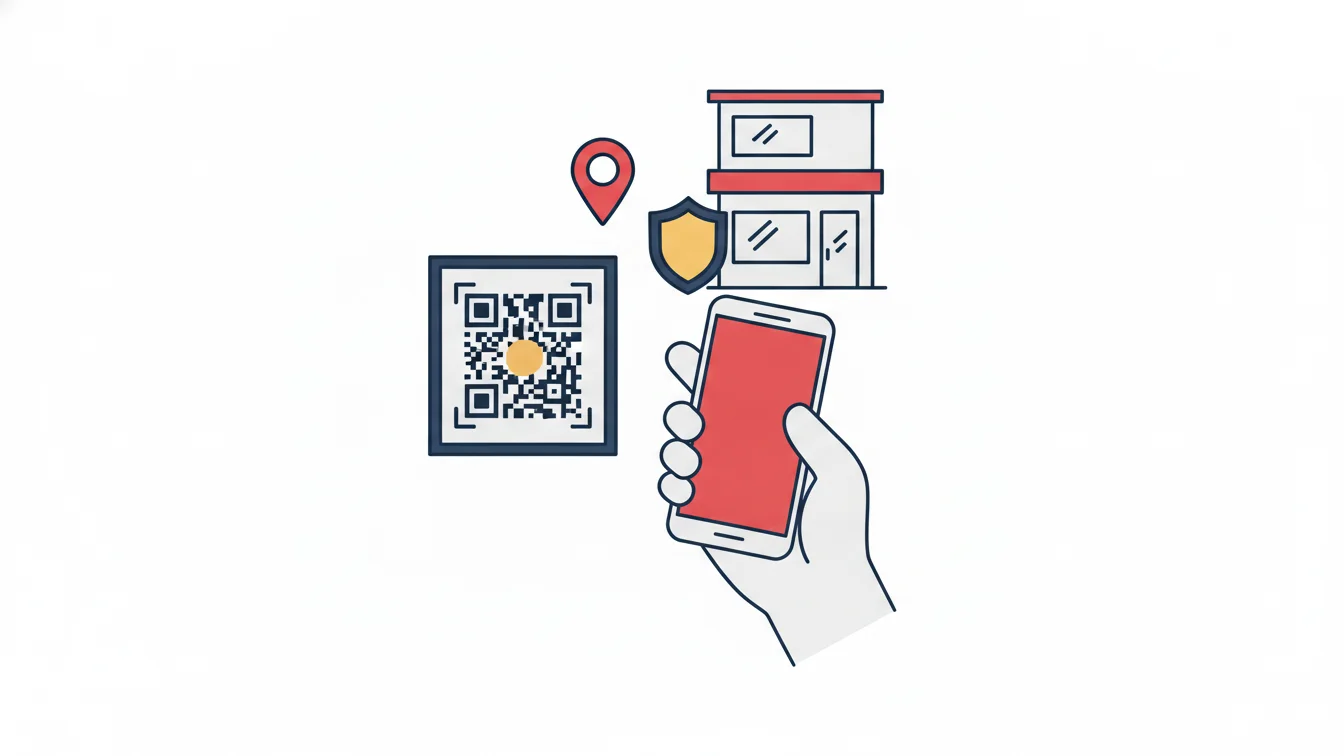
The NetKurum mobile app is available on iOS and Android: start/end shift with QR code and location verification, monthly activity history, leave requests (including hourly leave and document upload) and balances, advance and expense requests, announcements and notifications, profile and support. Each account is paired with a single device, and employees see only their own records. The app is downloaded from the app stores, and the first sign-in uses the email address in the employee record. Learn more: Mobile Application.
Every question an employee does not have to ask HR is time saved for both sides.
Frequently asked questions
Does the app have to be installed on the employee's personal phone?
It can also be installed on a company-issued device. On a personal phone, location is checked only at the moment of an action and only if it has been enabled for the site; there is no all-day tracking.
Can employees see other people's information in the app?
No. The employee role sees only its own records and requests.
Who can send announcements?
Users whose role includes announcement permissions; the audience is selected by site, department, company or group.
Does the app work without an internet connection?
Viewing information requires a connection; for clock-in and clock-out, the branch Wi-Fi is enough.
Open the portal to your team
Let's import your records together so your employees can see their balances on day one. Start your free trial or contact us.
About the author
Selin Kaya
Digital Content Specialist
Writes for NetKurum's digital content team on time and attendance, leave and shift management. She explains how the product works and answers HR teams' everyday questions in plain language.