

In an organization with field teams, HR processes happen on the road, not in the office: the rep stops by the branch in the morning, is at a customer's at noon, carries the expense receipt in a pocket all evening and remembers the leave request the following week. When time records, leave, expenses and communication run through four separate channels, HR ends up with four separate half-finished spreadsheets. YTSConnect, built for Sinpaş Yapı Tasarruf Sandığı, which has dozens of branches and hundreds of employees across Türkiye, brought these four channels together in a single mobile app; NetKurum's platform was adapted to the organization's structure and working policies.
In this article we share the lessons from that project that any organization with field teams can apply. No company data or figures are disclosed; what we describe are design decisions.
The starting point: four channels, four half-finished spreadsheets
- Time tracking methods that varied from branch to branch
- Leave requests circulating by email
- Field visits and expenses collected with paperwork at month-end
- Announcements, procedures and training delivered through different channels
Two structural challenges came on top of this: in a hierarchy stretching from headquarters down to branch reps, every department had a different approval flow, and employees needed to sign in with the identity they already used at the organization, without opening a new account.
Decision 1: Clock-in with three proofs, in one tap
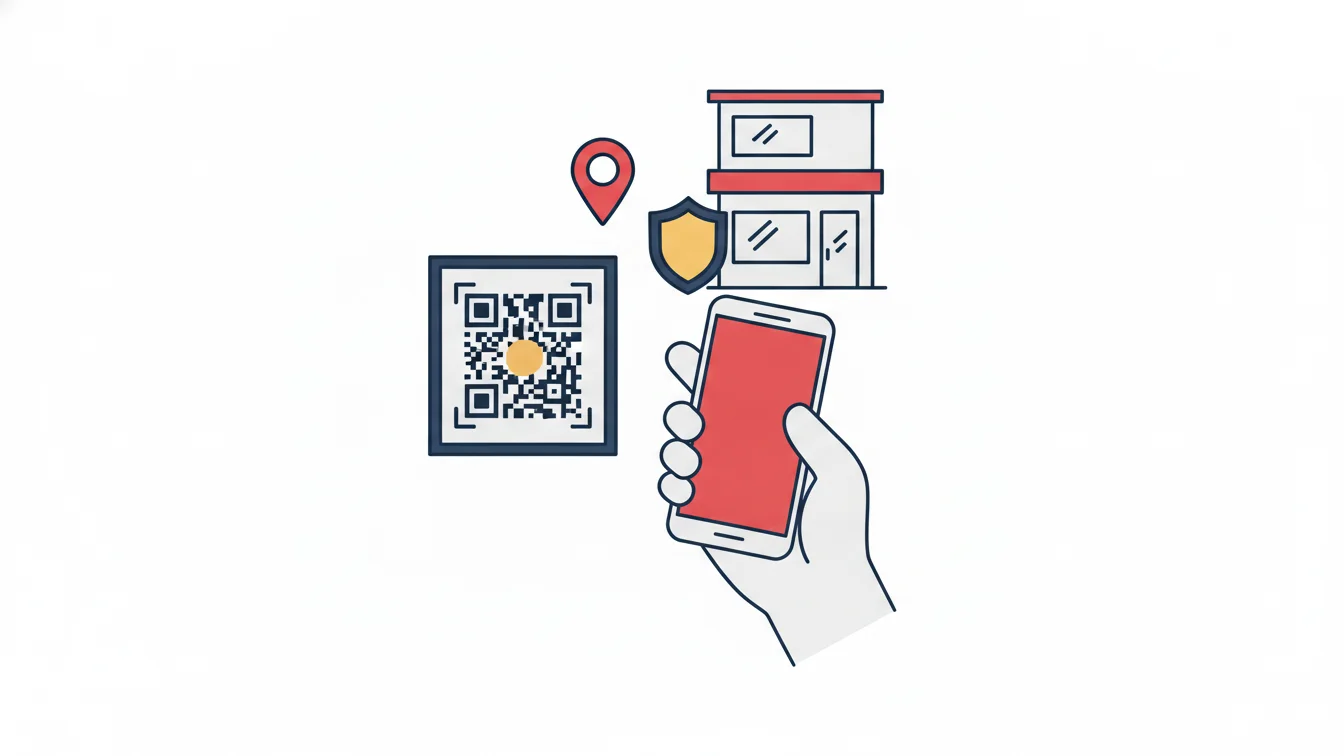
Field and branch employees start the day on their phones: they tap Start Shift and scan the branch's QR code; the app verifies the location and the paired device at the same time. No record is created unless all three match. The organization set as a policy whether an employee can clock in only at their own branch or at any branch. For an employee whose device is faulty, a manager can temporarily turn off the location check; when a phone is replaced, pairing is reset in a single step. Lesson: reliability comes not from one strong check but from simple checks working together.
Decision 2: No new shift until missing days are closed
Forgotten clock-ins were the most common timesheet problem for field teams. The solution was a lock: an employee with missing records on past days must enter leave for those days before starting a new shift. The timesheet thus closes without waiting for month-end, based on the employee's own statement. Lesson: the person who can fill the gap most cheaply is the employee, the very next morning.
Decision 3: Let each unit build its own approval chain
A one-size-fits-all approval chain satisfied no unit. Four models were offered: hierarchical, approval by selected positions, shortened hierarchical and a custom chain built with drag and drop. Each department defined its own flow in the panel; no code changes were needed. Both leave and field assignment requests go through the same engine. Lesson: an approval process should be a setting, not a software request.
Decision 4: Leave and expenses from the pocket, with documentation
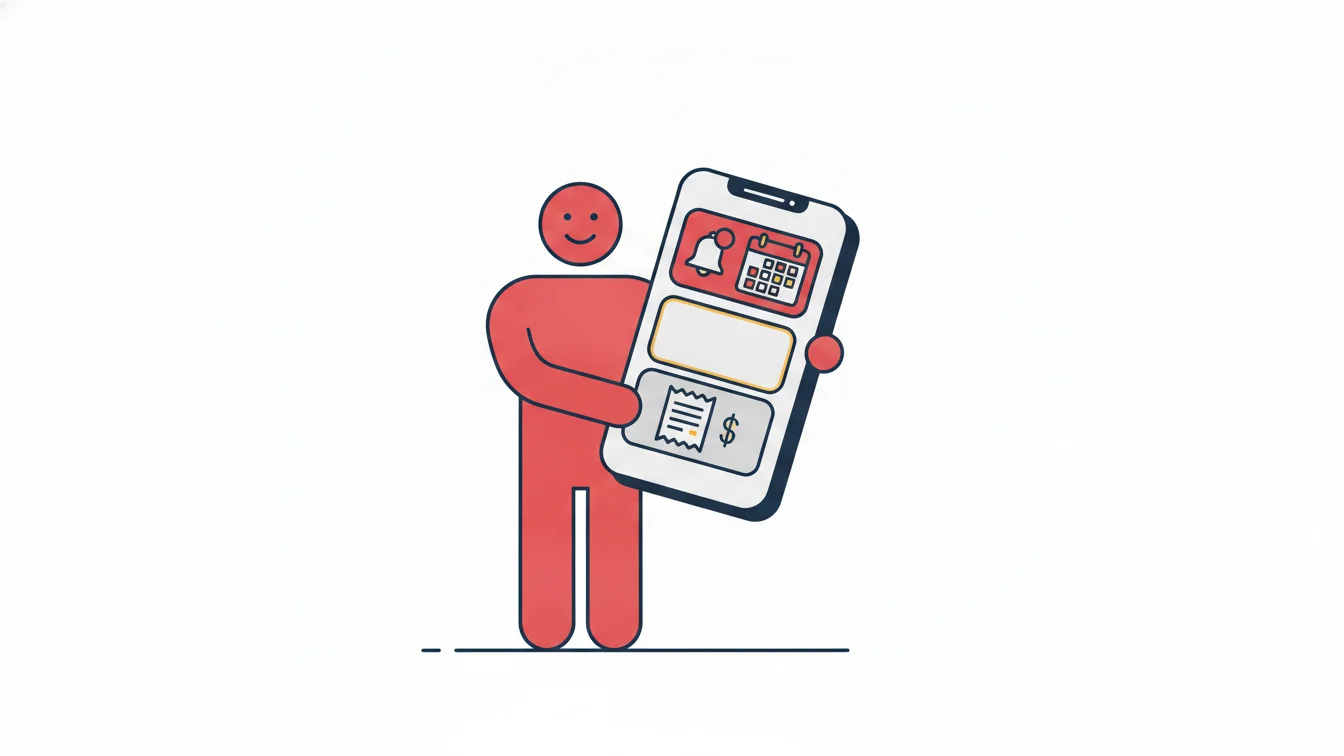
Employees submit leave requests from their phones: type, dates, half day if needed, and who will cover for them; earned, used and remaining leave on the same screen. They enter expenses while still in the field: category, vendor, amount, currency, date and a photo or PDF of the receipt; the record lands in the manager's list with a pending-approval status, and finance sees the same document in the panel. Lesson: if the document isn't captured at the time of the request, it never will be.
Decision 5: One identity, two channels
Employees sign in to both the mobile app and the web panel with the identity they already use at the organization; app access opens automatically for anyone defined in the corporate system. Employee, branch, shift and clock-in/out data are synchronized within seconds through a key-protected closed-loop integration between the two systems. Lesson: a second account means a second password and a second employee list; don't create any of them.
Decision 6: Shift and timesheet rules were written first
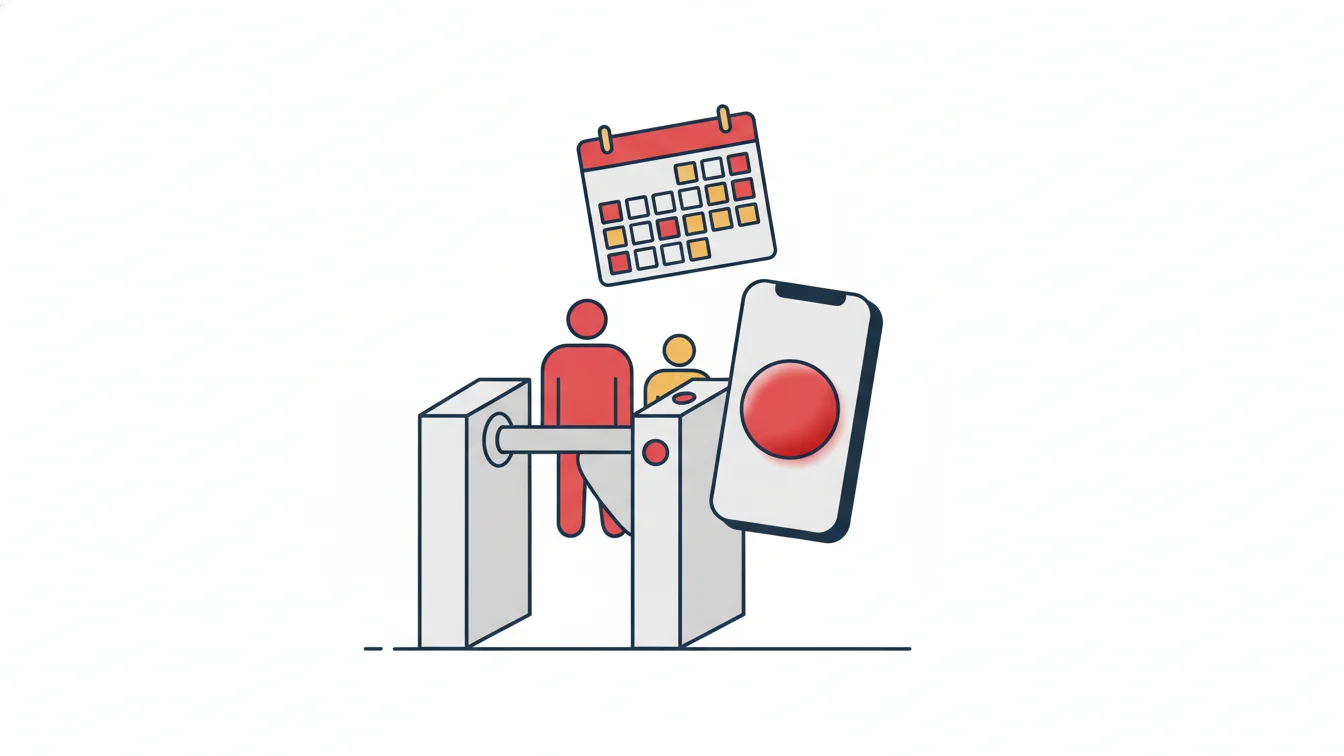
Day-specific start and end times, clock-outs running into the next day, multiple breaks, flexible shift pools and bulk assignment per person per day from the calendar were defined, along with minute-level tolerances for late arrival, early departure and minimum overtime. Every mobile clock-in from the field was evaluated against these rules and fed into a color-coded monthly timesheet. Lesson: if the rule isn't in the system, the timesheet isn't either.
Decision 7: Communication in the same app
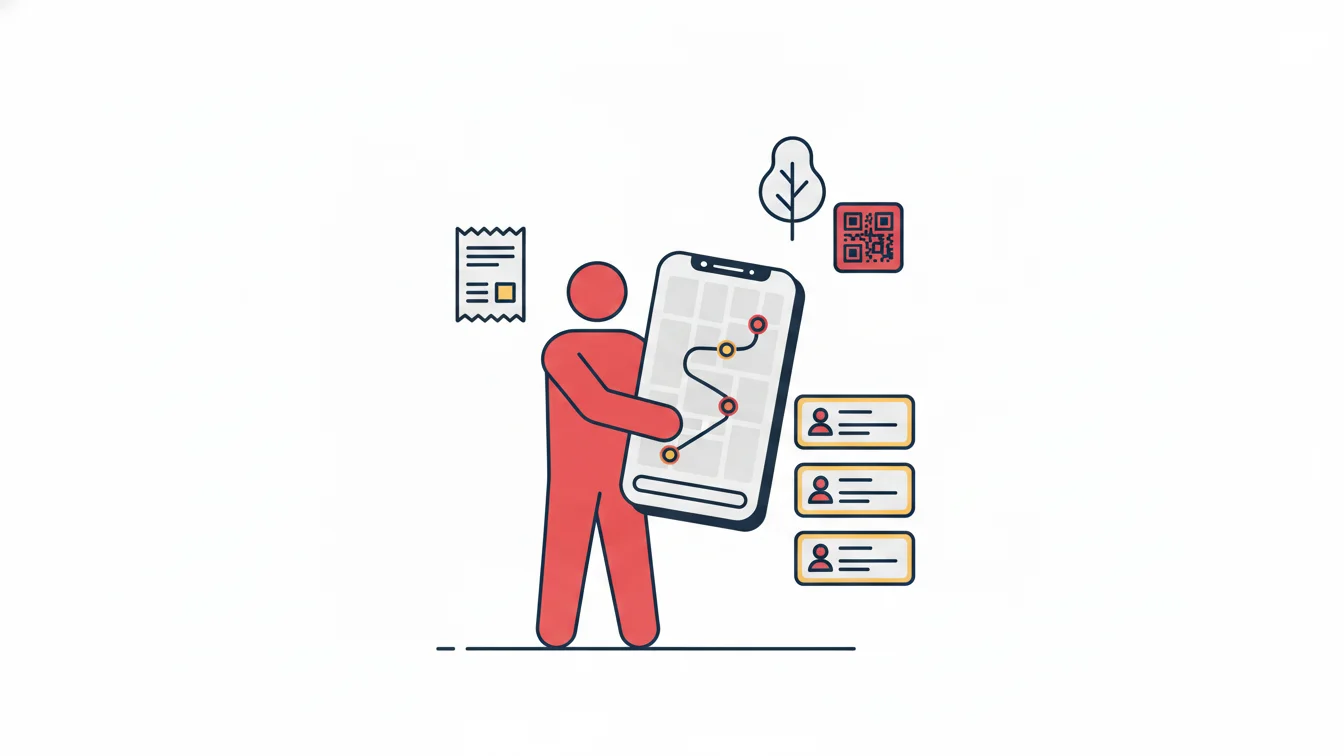
Announcements with priority labels and attached documents, procedure documents, surveys, training content and celebration cards were brought together in the same app; who read and completed what was reported in the panel. Lesson: for field employees, "one app" is not a slogan but a condition of use; nobody opens a second app.
What changed for managers?
Every QR clock-in, leave request and expense record lands in the manager's web console at the same moment: total employees, who is currently on site, pending requests, late arrivals, check-in rate by branch. Daily, monthly and advanced reports export to Excel; every manually edited record appears in a separate report with the action type, reason and the person who made it. The result, in the organization's own words, was a single source of truth instead of scattered spreadsheets and email chains.
Summary for organizations with field teams
- Choose clock-in verification per site: QR + location + device.
- Turn on the missing-day lock; don't leave the timesheet until month-end.
- Leave the approval chain to the units; let them pick the right one of the four models.
- Take leave and expenses via mobile, with mandatory documentation.
- Feed identities and the employee list from the corporate system.
- Move communication into the same app.
Field teams with NetKurum
The NetKurum mobile app brings together clock-in with QR and location verification, monthly activity history, leave (hourly and documented), advance and expense requests, and announcements and notifications in one place; approval processes are set up per unit using one of four models; employee, branch and clock-in/out data are synchronized with corporate systems through web services. Details: Mobile Application and Leave Management.
For a field team, the best HR process is one that doesn't require going back to the office.
Frequently asked questions
How does a field rep record working time during a customer visit?
Through a site policy with location verification; if the customer visit is opened as a field assignment, the arrival location is recorded separately as well.
Will performance suffer when headcount reaches the hundreds?
The system is cloud-based; high volumes of clock-in/out, break and request records are synchronized without loss and reflected in reports instantly.
Can employees sign in with our existing corporate identity system?
Once integration with the corporate system is in place, employees sign in with their existing identities; contact us for details.
Can this setup work for a small field team too?
Yes; the same app and the same rules work for a field team of five people as well, only the approval chain gets shorter.
Bring your field team together in one app
Tell us about your branch and field structure, and let's set up your time, leave and expense workflow together. Contact us or start your free trial.
About the author
Zeynep Çelik
Digital Content Specialist
Covers technology, integrations and field deployments on the NetKurum blog. She explains cloud time and attendance, connectivity devices and real customer experiences with clear examples.