

When managers first hear about "starting the workday from a phone," the same question comes to mind: what if the employee taps the button from home — how would I know? It is a fair question. The answer is that mobile clock-in does not rely on a single tap but on several pieces of evidence verified at the same time. Set up correctly, mobile time tracking is as reliable as the card reader at the door, and in most cases more informative.
In this article we look at the verifications behind mobile clock-in and clock-out, how to choose a method for each site and the most common "what if they…?" scenarios.
Three pieces of evidence, one record
When an employee taps "Start Shift" in the app, the record is not created right away. The system asks, in order, for the verifications the organization has chosen for that site:
1. Site QR code
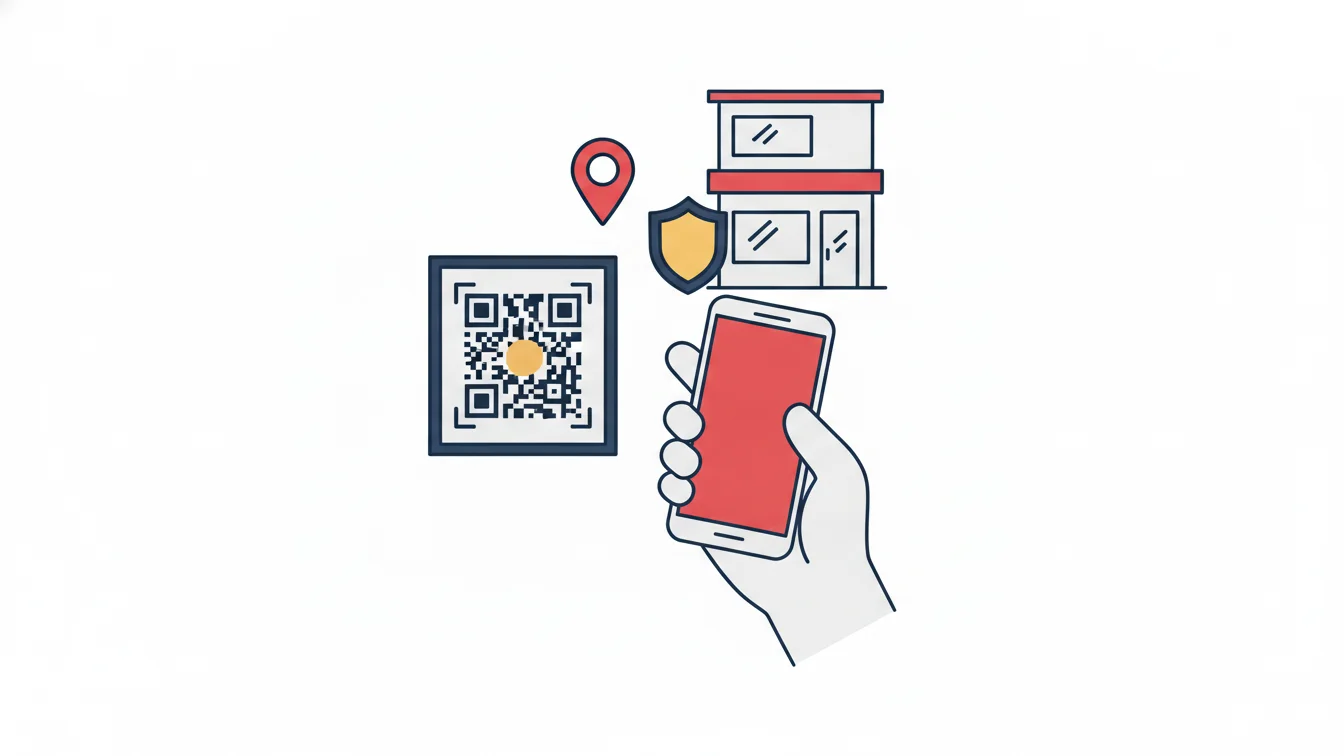
A QR code is generated for each site from the panel and posted at the entrance. The employee scans the code with the camera, recording that they are "physically present at that site." When a dynamic QR is selected, the code changes at set intervals and is protected by a PIN; taking a screenshot and scanning it from home does not work.
2. Location
The phone's location is compared with the site's defined location and radius. The radius is set per site: a large factory campus and a small office do not get the same value.
3. Paired device
Each account is paired with a single phone. If someone tries to clock in from another device, no record is created. When the phone changes, a manager resets the pairing from the panel in one step; for an employee with a faulty device, the location check can be turned off temporarily.
Which of these three are mandatory is chosen per site: QR only, location only or both. The organization also sets a policy on whether employees can clock in only at their own branch or at any branch.
Which method for which site?
| Situation | Recommended verification | Why |
|---|---|---|
| Office floor, fixed address | QR + location | The code is posted at the entrance and the location is precise; the strongest combination |
| Large factory / construction site | QR (dynamic) + wide radius | Location can fluctuate within the site; dynamic QR prevents copying |
| Field team visiting customers | Location | There is no fixed place to post a QR code; the workday starts at the customer |
| Work-from-home day | Location or device only, depending on policy | In a hybrid setup, the purpose of the record is tracking time, not place |
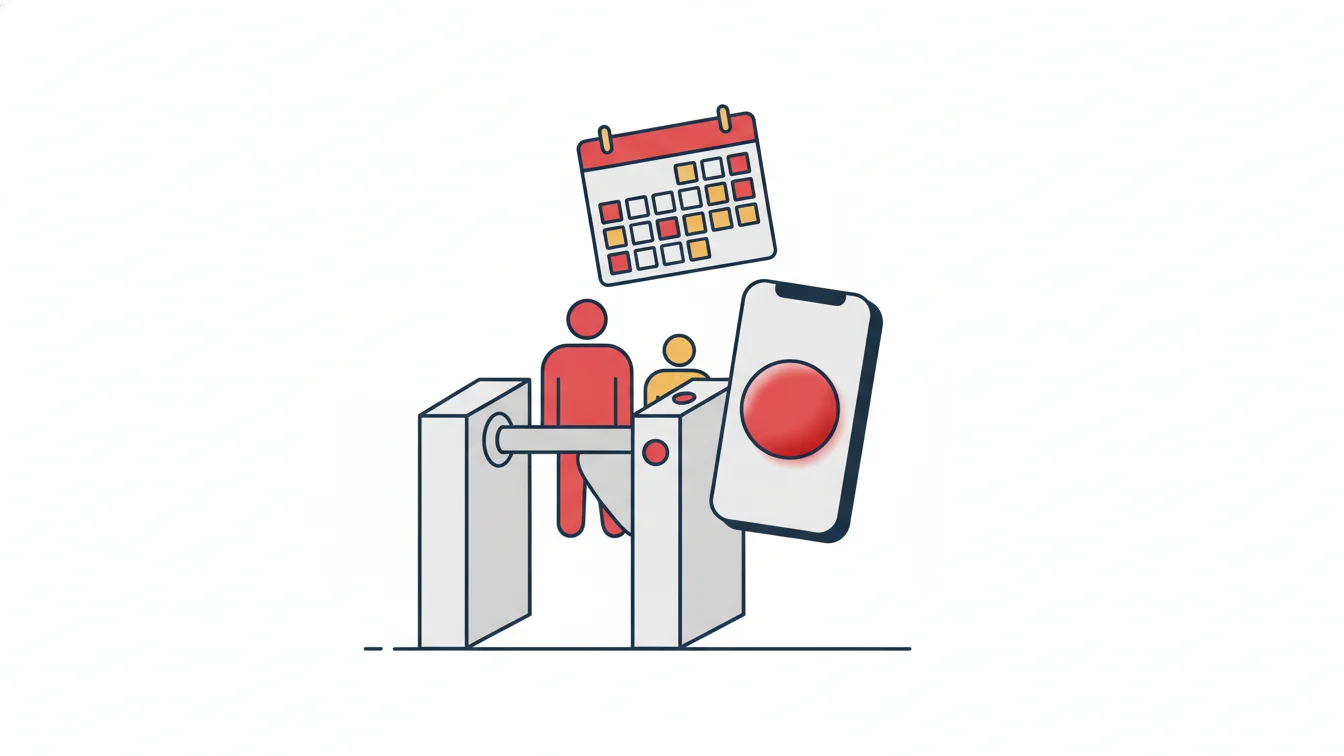
| Entrance with a turnstile | Card access + mobile backup | Physical control is already in place; mobile is only for days outside the office |
"What if they…?" scenarios
- What if they photograph the QR code and scan it from home? With a dynamic QR, the code is no longer valid; with a static QR, location verification kicks in.
- What if they use a fake location app? Location alone is not considered sufficient; the QR code and the paired device are also required. In addition, every record appears in audit reports, so inconsistent patterns (always clocking in at the same second, never taking a break) do not go unnoticed.
- What if they clock in with a friend's phone? No record is created, because the account is not paired with the friend's device.
- What if they clock in and then leave the site? That is a management issue, not a software one; break and clock-out records, the "currently on site" report and arrival locations on field tasks make this behavior visible.
Forgotten clock-ins and missing days
The real day-to-day problem with mobile time tracking is not misuse but forgetfulness. In the morning rush the employee does not tap "Start Shift," or skips clocking out in the evening; by the end of the month the timesheet has gaps, and HR has to chase them one by one. Two measures reduce this:
- Missed clock-in/clock-out report: open days are listed separately, and the manager closes the day or asks the employee to enter leave.
- Missing-day lock: if the employee has incomplete records on past days, they must enter leave or an explanation for those days before starting a new shift. The timesheet is thus closed without waiting for the end of the month.
What changes for employees?
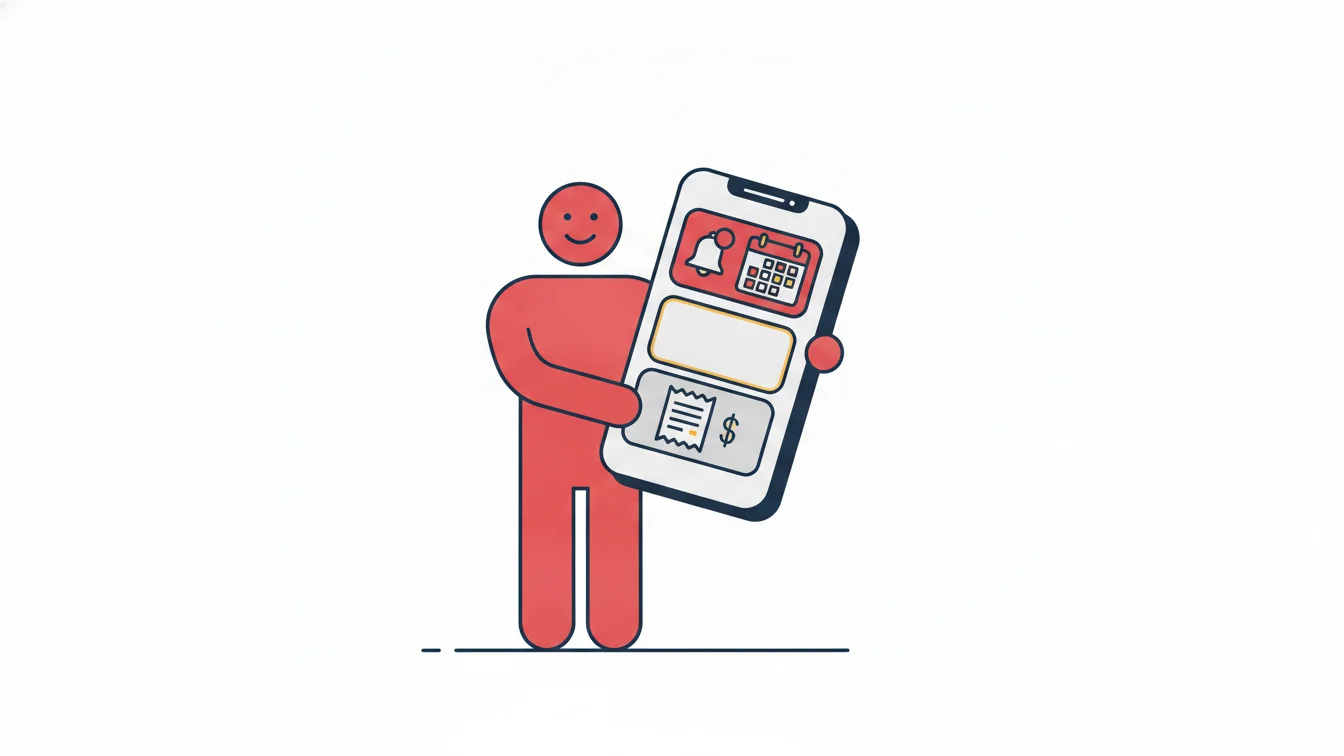
Employees who open the app start the day from a single screen: Start Shift and End Shift, break buttons, today's working time and their latest activity. From the same app they submit leave requests, ask for hourly leave, log advances and expenses and read announcements. Their activity history shows every entry of the month day by day; they do not need to call HR to ask, "How many hours did I work this month?" Details are on the Mobile Application page.
What changes for managers?
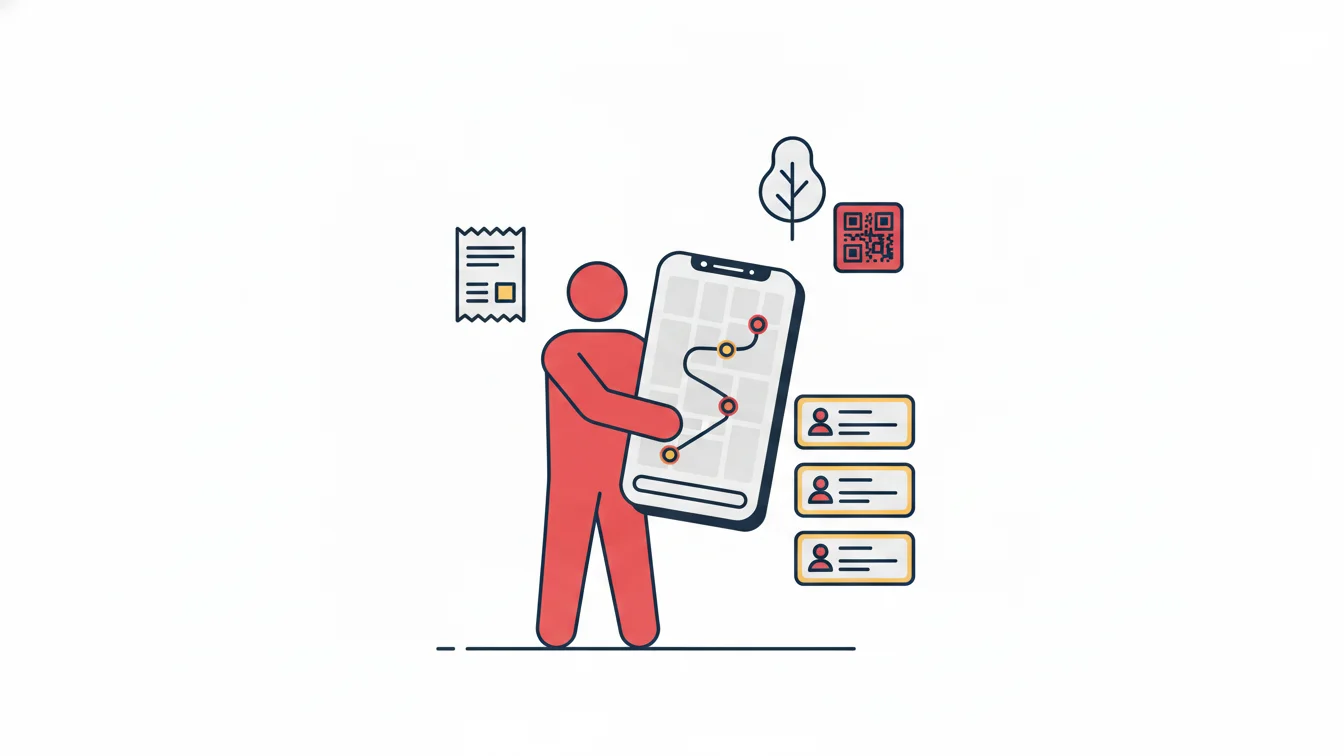
Every mobile clock-in reaches the panel within seconds. The manager console summarizes who is on site right now, the day's entries and late arrivals; the per-employee clock-in/clock-out report shows the method (QR, location) and site of each record. Every record added or corrected by hand is kept in a separate report with who made the change, when and why. When an audit question comes up, the answer is in a table.
Reliability does not come from one strong control but from several simple controls working together. QR, location and device pairing can each be bypassed on their own; all three together cannot.
Frequently asked questions
Do you track employees' location continuously?
No. Location is checked only during actions such as starting or ending a shift, and only when the organization has enabled location verification for that site. There is no all-day monitoring.
Is there biometric verification (face, fingerprint)?
No, and that is deliberate. Biometric data is a special category of personal data; QR, location and device pairing provide the same reliability without collecting it.
What does an employee do if their phone has no internet?
QR and location verification require a connection; the branch Wi-Fi is enough. At sites with no internet at all, card access is preferred.
How is the shift start time checked for employees working outside the office?
Shift and tolerance rules apply to mobile records as well; a shift started late appears in the daily late arrivals report. For customer visits, the arrival location is also recorded.
Try mobile time tracking
Defining your sites and generating their QR codes takes a few minutes; your team downloads the app and can start using it the same day. Start your free trial or contact us to set up your verification policy together.
About the author
Selin Kaya
Digital Content Specialist
Writes for NetKurum's digital content team on time and attendance, leave and shift management. She explains how the product works and answers HR teams' everyday questions in plain language.