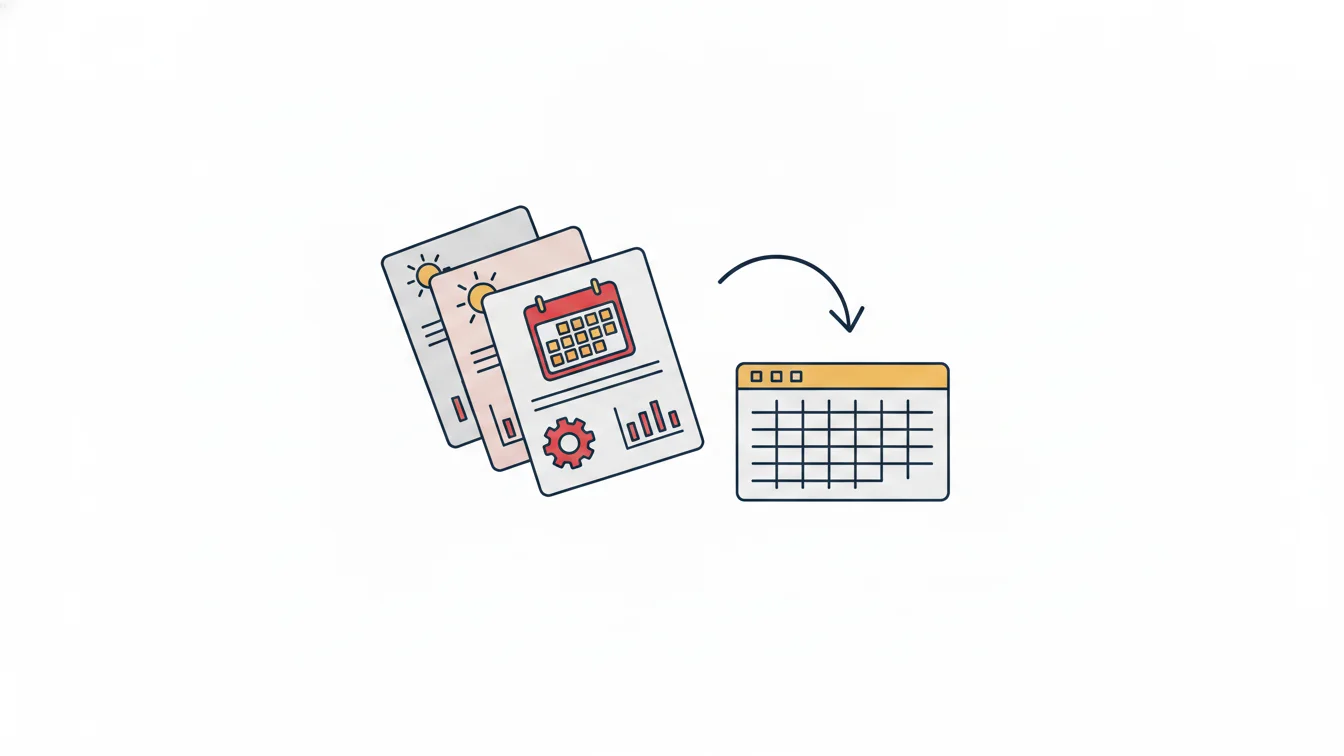



The table that lands on the accounting team's desk at the end of the month is the timesheet, and every figure on the payroll depends on it. Overtime pay, deductions for missed days, leave adjustments, holiday work — all of it hinges on whether a single cell in the timesheet is right. What I have seen over years on the accounting side is this: payroll errors are rarely calculation errors; almost all of them come from a day that was entered incorrectly on the timesheet.
In this article I explain what a timesheet is, what information a timesheet should contain, the most common mistakes in manually prepared spreadsheets and how to audit an automatically generated timesheet.
What is a timesheet?
A timesheet is a record of what each day was for every employee during the month: regular work, overtime, undertime, weekly rest day, national and public holidays, annual leave, paid or unpaid leave, sick leave, absence. Rows list the employees and columns list the days of the month; at the end of the month, each row's totals feed into payroll.
The timesheet also has a legal basis: in Türkiye, the employer is obliged to document working hours, and in a dispute the answer to "did this person work that day, and for how many hours?" is expected to come from the timesheet. In other words, the timesheet is not just an internal accounting document; it is a record that can serve as evidence when needed.
What should a timesheet include?
- Identification details: full name, employee ID, department, position, site; for subcontractor staff, the company name.
- Daily status code: worked (W), overtime (OT), undertime (UT), weekly rest day (WR), public holiday (PH), annual leave (AL), sick leave (SL), unpaid leave (UL), absent (A).
- Durations: daily working time, overtime and undertime in minutes; in shift-based operations, clock-in and clock-out times.
- Month-end totals: days worked, overtime hours, undertime hours, leave days, and the number of days to be reported to Türkiye's Social Security Institution (SGK).
- Approval trail: who prepared the sheet, who approved it, and which cell was changed later and why.
The most common mistakes in manual timesheets
1. Confusing leave with absence
If a leave request got stuck in an email, or approved leave was never entered on the sheet, the employee shows up as "absent" that day; pay is deducted, the employee objects, and payroll is recalculated. The fix is to record leave on the timesheet the moment it is approved — not to carry it over from a separate leave spreadsheet at month-end.
2. Days with a forgotten clock-in or clock-out
A day with no clock-out looks as if the employee either didn't work at all or worked until midnight. Both are wrong. These days should be listed separately as "open records," and the timesheet should not be approved until they are closed.
3. Counting late arrivals without a tolerance
Recording every 3-minute delay as undertime is neither fair nor in line with company policy. Tolerance should be defined in minutes, and the sheet should be prepared with that tolerance already applied.
4. Recording the night shift on the wrong day
A shift that starts at 22:00 and ends at 06:00 spans two calendar days. If the clock-out is written on the next day's row, that day shows double work and the previous day shows undertime. A rule for shifts that carry over to the next day must be defined.
5. Copy-paste leftovers
When last month's sheet is copied and overwritten, employees who have left stay on the list, new hires are missing and formulas shift. This is the quietest error in an Excel timesheet: the table looks right, but it isn't.
What does a color-coded timesheet give you?
In an automatically generated timesheet, each cell is colored by status: regular hours, overtime, undertime, absence, weekly rest day, public holiday and paid leave each appear in a different shade. This is not decoration; it is an audit tool. In a 30-person table, your eye catching a red cell is faster than reading thirty rows one by one. Clicking a cell opens the day's activity: which gate was used and at what time, how long the break lasted, whether there was a manual edit.
In the detailed monthly report, each cell shows the clock-in and clock-out times together with the access point; overtime and undertime totals are ready at the end of each row, and the table can be exported to Excel with a single click. The file that goes to payroll is no longer a manually built table but an output generated from rules.
How do you audit an automatic timesheet?
Saying "the system generated it, so it's correct" is also a mistake. Make it a habit to check five reports before approving the timesheet:
- Missed clock-ins and clock-outs: are there any open days left?
- Manually edited records: who changed which record, and why?
- Employees with undertime: is the undertime, after tolerance, within the expected range?
- Overtime report: is there any unapproved overtime? Is anyone approaching the annual legal limit under Turkish law (270 hours)?
- Leave usage list: do the leave days on the timesheet match the approved requests in the leave module?
These five checks take ten minutes and prevent most payroll corrections.
Timesheets in NetKurum
In NetKurum, the timesheet is not prepared separately; it builds itself when clock-in/out records, shift and tolerance definitions, approved leave and the holiday calendar come together. The timesheet list stays live throughout the month: HR can drill down into the details of any day, add leave or a manual entry if needed, and every intervention is logged. The detailed monthly report, the monthly late arrivals report and the daily report set can be exported to Excel and, if you like, emailed to managers on a set day and time. You can find details on the Shift Management and Entry-Exit Management pages.
The timesheet is the source of payroll; if the source is dirty, the result is wrong no matter how accurate the calculation. Clean up the source first.
Frequently asked questions
Are a timesheet and payroll the same thing?
No. A timesheet is a record of days worked and not worked; payroll is the document in which wages, deductions and payments are calculated based on that record. The timesheet comes before payroll.
How long should timesheets be kept?
Documents on working hours are kept for a long time in case of potential disputes; your company's financial advisor or legal counsel determines the retention period according to the regulations. The advantage of a digital timesheet is that the archive takes up no space and can be searched retroactively.
Are subcontractor employees' timesheets kept separately?
They are kept in the same system, broken down by company. The monthly man-days report is exported to Excel per company for contractor billing; each subcontractor supervisor sees only their own staff.
How does half-day leave appear on the timesheet?
Hourly and half-day leave are recorded as durations within the day; the day shows as partial leave rather than absence, and it is not counted toward undertime.
Let your timesheet build itself
If you want to stop spending month-end on timesheets, you can try NetKurum for free or get in touch with us to set up your shift and leave structure together.
About the author
Halit Yılmaz
Accounting Manager
Writes from an accounting manager's perspective on timesheets, overtime, leave entitlements and the accuracy of the data that feeds payroll. He explains where the numbers come from and how to check them.