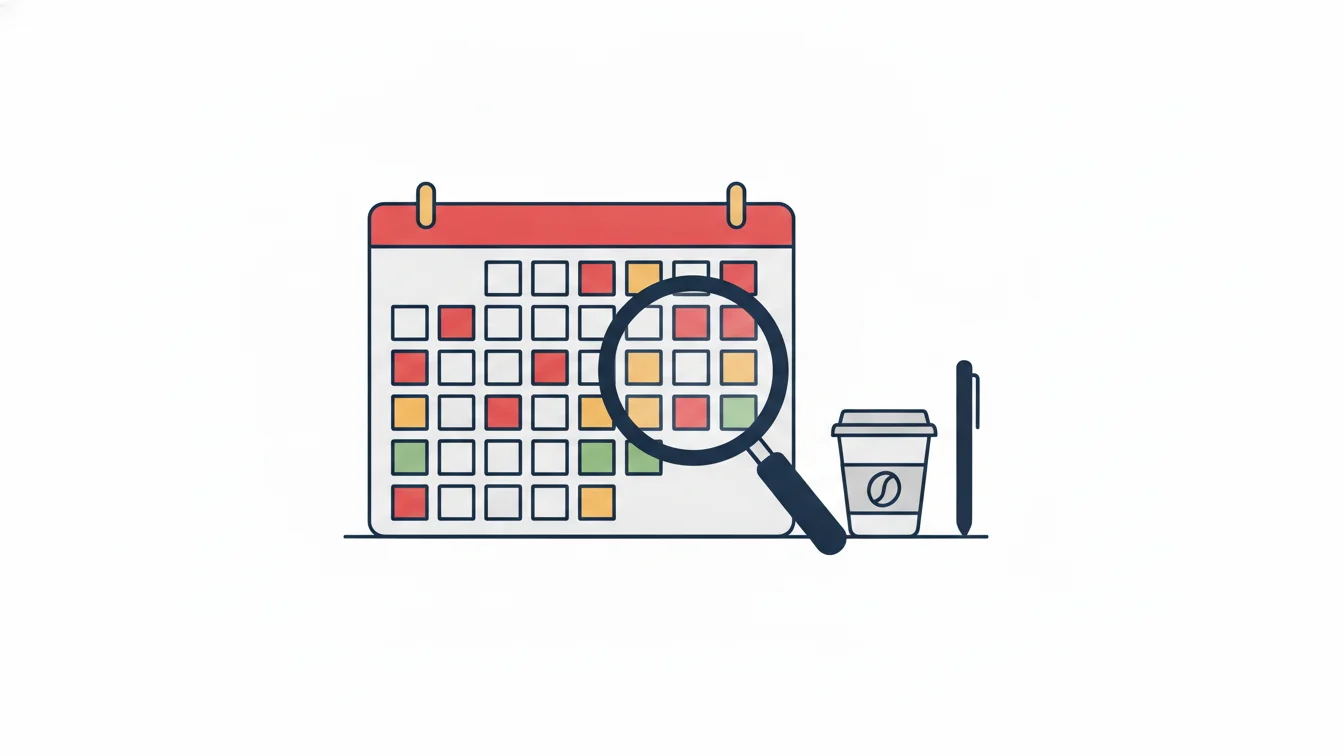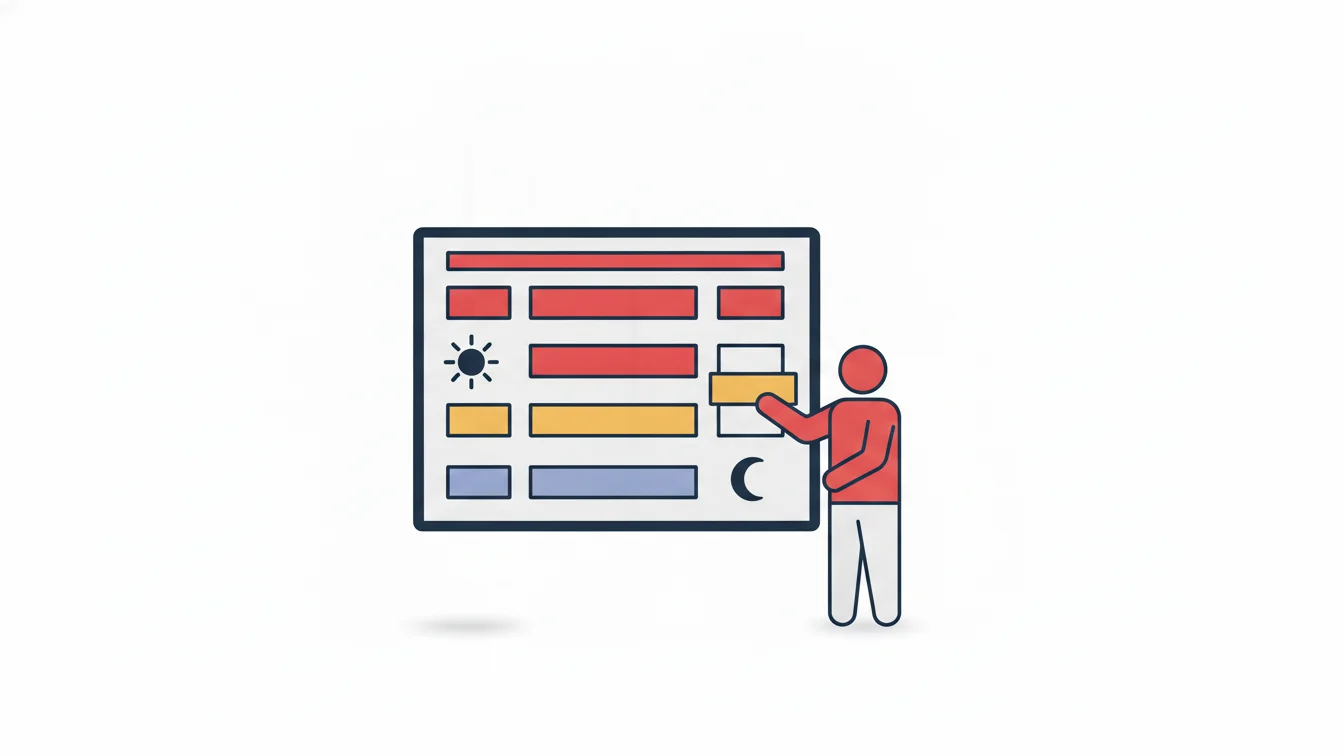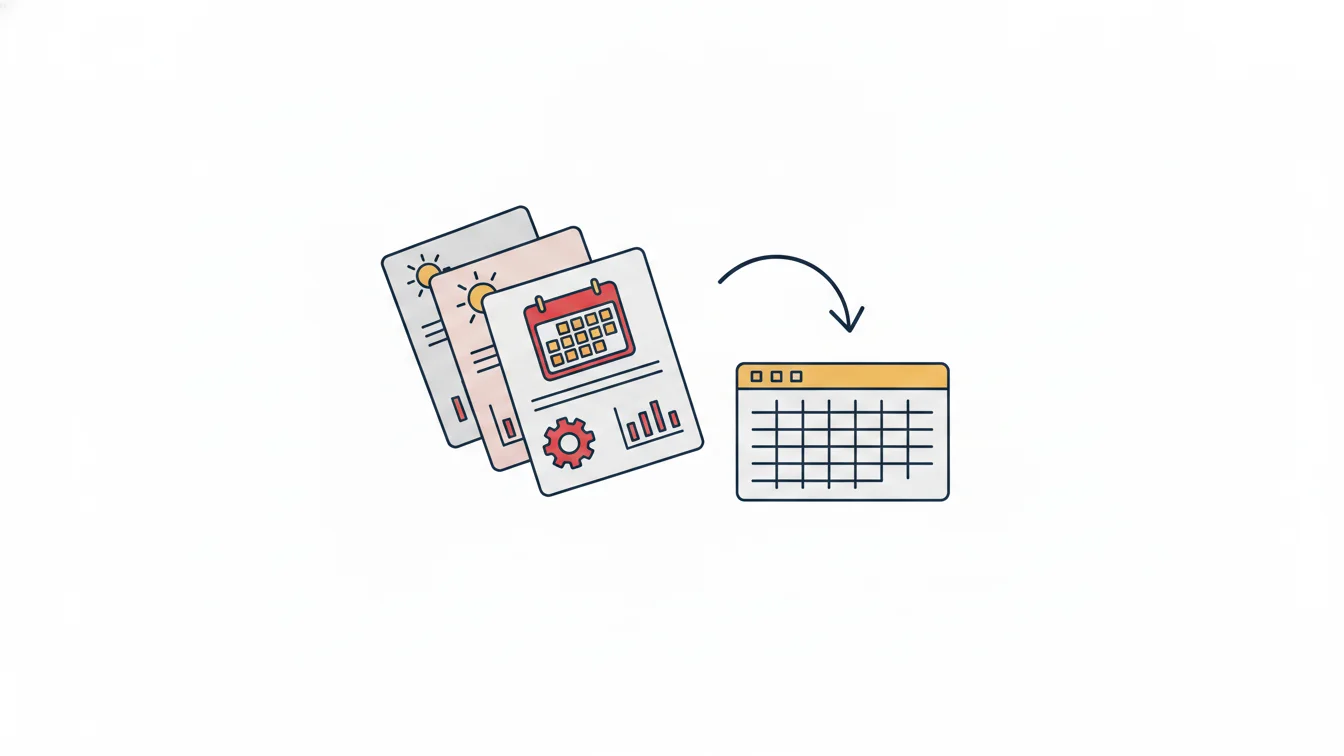


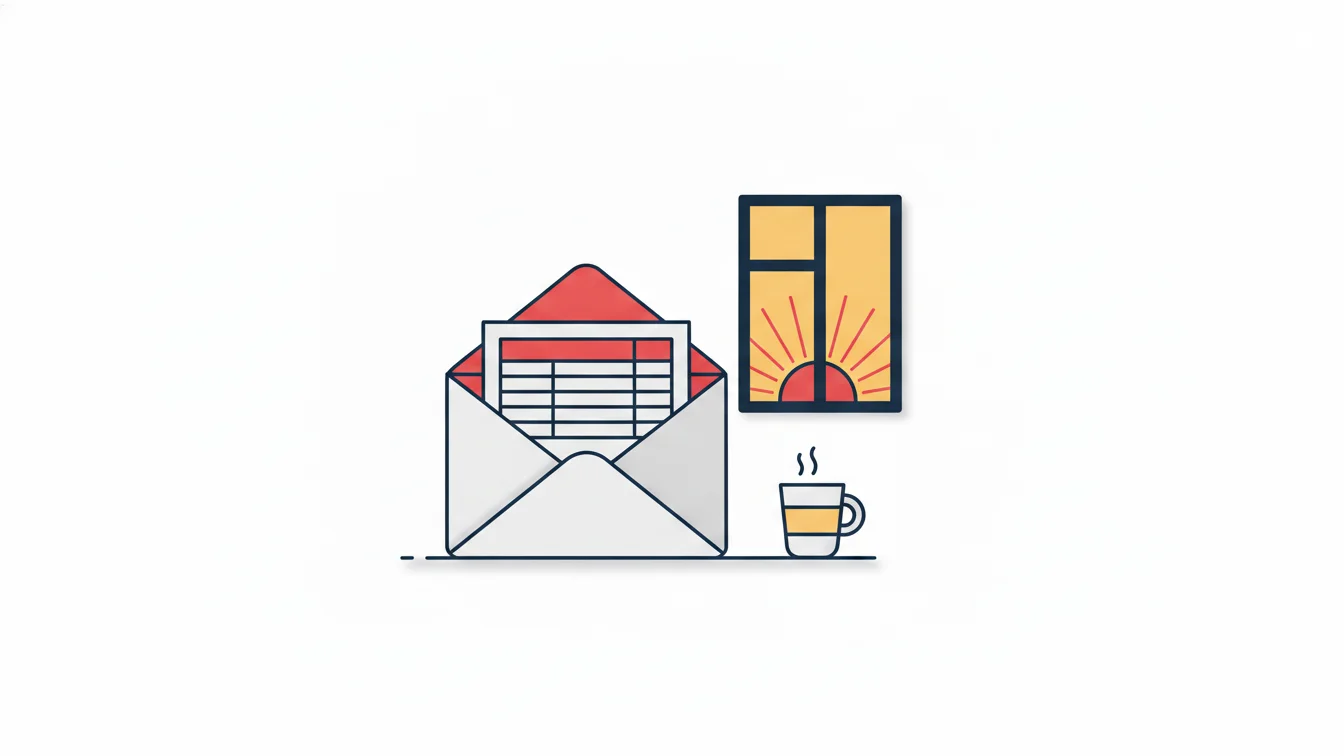
The best report a piece of software can produce is the one a manager never has to open. No matter how good the dashboard is, a branch manager rushing to the morning meeting will not log in, pick filters and download a table. The report has to come to them: at the same time every morning, covering only their own team, readable at a glance. That is exactly what automated report delivery is, and once it is in use, it is one of the few features that actually changes how managers behave.
In this article we cover which reports should be sent automatically, how to set up delivery, and how to avoid the "the report arrives but nobody reads it" trap.
Why isn't "log in to the dashboard" enough?
A dashboard is a tool for people with questions: HR logs in when it wants to know "who worked how many overtime hours last month?" Day-to-day operations, however, don't ask questions; they need to know the current situation. A site supervisor needs to know "who didn't show up today?" at 08:30, not at 11:00. If the information doesn't come to them, they either start making calls or carry on without knowing. Both are costly.
Which reports should go out automatically?
Daily (morning)
- Late arrivals: delays measured against shift start, with the grace period deducted; broken down by site and team.
- Absentees: people who had a shift but no record at all; those on approved leave are flagged separately.
- Currently on site: for occupational safety and capacity, especially on construction sites and in production.
Daily (evening) or the next morning
- Early leavers and employees with undertime
- Employees with overtime: for hours awaiting approval
- Forgotten clock-ins and clock-outs: open days, so they get closed without waiting for month-end
Weekly / monthly
- Monthly late arrivals report: a person × day matrix that reveals recurring behavior
- Detailed monthly report / timesheet: to HR and accounting at month-end close
- Subcontractor man-days report: to accounting at the start of the month for progress payments
- Leave usage and entitlement list: to managers, for accumulated balances
How do you set up delivery?
A good delivery setup answers four questions for each person:
| Question | Example |
|---|---|
| To whom? | North Site supervisor |
| Which reports? | Late arrivals, absentees, currently on site |
| What scope? | North Site only; subcontractor breakdown in a separate table |
| When? | Every day at 08:15 |
Scope is critical. Sending the general manager the late arrivals for every site makes the report unreadable; they get a daily summary, while the site supervisor gets the details. It follows the same logic as role- and site-based permissions: everyone receives their own area of responsibility.
The "it arrives but nobody reads it" trap
An automated report gets read when three conditions are met:
- It must be short. The table should be visible in the body of the email; a report that requires opening an attachment gets put off. Keep the details in an Excel attachment and the summary in the body.
- If it's empty, it shouldn't be sent, or it should be a single line. "No late arrivals today" is valuable information, but sending an empty table kills the habit.
- It must call for action. Every row in the report should be tied to a task: close the open day, approve the overtime, call the absentee. A report with no action attached eventually gets filtered out of the inbox.
Email template and notifications
The language of the report matters too. The template should go out in your organization's voice with a short explanation: which period, which scope, which grace period. When templates can be edited from the dashboard, HR doesn't have to rewrite the report for every organization. Announcements aimed at employees are a separate channel: mobile push notifications and email, sent to a selected audience (site, department, company, group), with read rates tracked.
Automated reports in NetKurum
In NetKurum, you define for each person which reports go to which manager on which days and at what time; the list of email recipients and the email templates are managed from the dashboard. The daily report set (late arrivals, early leavers, absences, overtime and undertime, long breaks, entries from a different branch, currently on site), the monthly late arrivals report and the detailed monthly report can all be added to delivery; the subcontractor breakdown goes out as a separate table. All reports can also be pulled from the dashboard and exported to Excel. Details: Entry-Exit Management.
Waiting for managers to log in to the dashboard leaves information at the mercy of their discipline. Send the report, and discipline is no longer required.
Frequently asked questions
Can I set a different report time for each person?
Yes. Delivery is defined per person; the site supervisor receives it at 08:15, accounting at the start of the month.
Does the report email include an attachment?
The summary is in the body and the details come as an Excel attachment; setups that don't need an attachment can receive the summary only.
Is the grace period taken into account in the late arrivals report?
Yes. Lateness is calculated from shift start minus the grace period; people within the grace period don't appear on the list.
Do reports go to a deputy while the manager is on leave?
This is done by adding the deputy to the delivery list; for a standing deputy arrangement, the setup is made for both people.
Get your reports tomorrow morning
We can work out together which manager should receive what and set up delivery today. Start your free trial or get in touch with us.
About the author
Selin Kaya
Digital Content Specialist
Writes for NetKurum's digital content team on time and attendance, leave and shift management. She explains how the product works and answers HR teams' everyday questions in plain language.