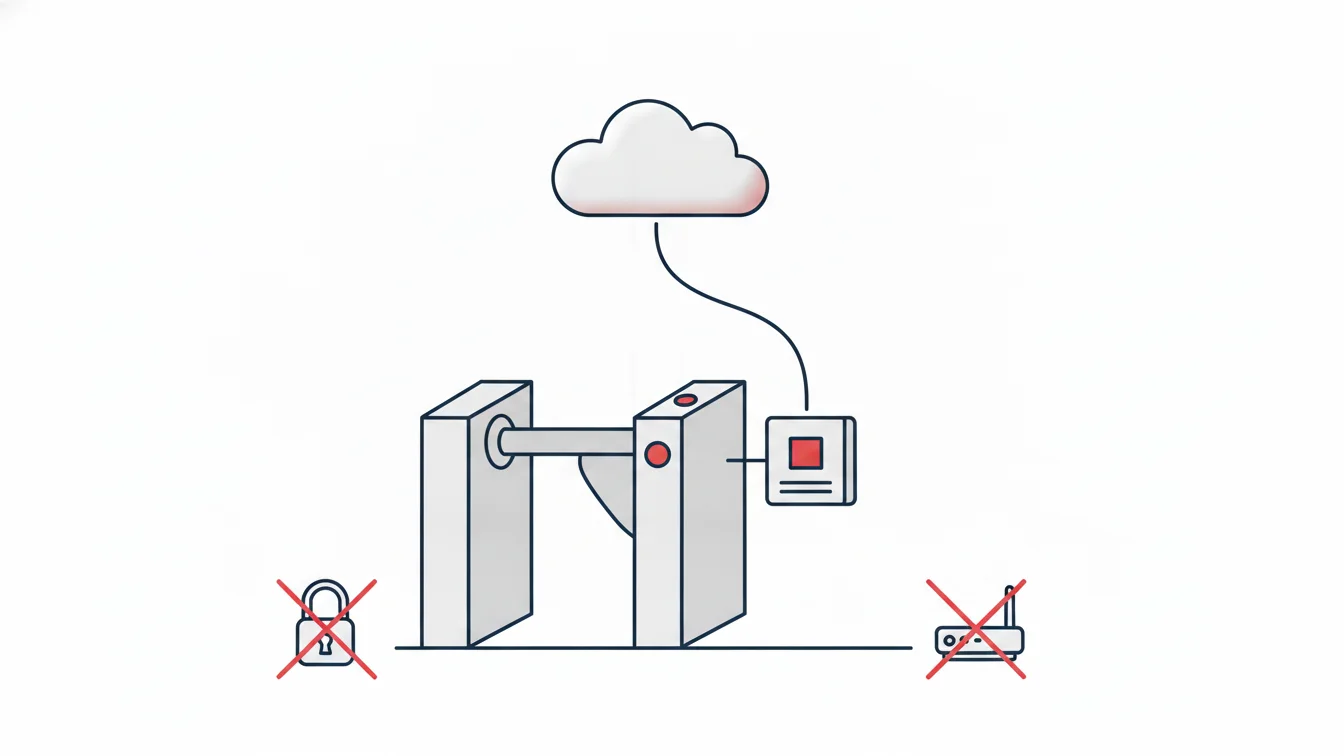


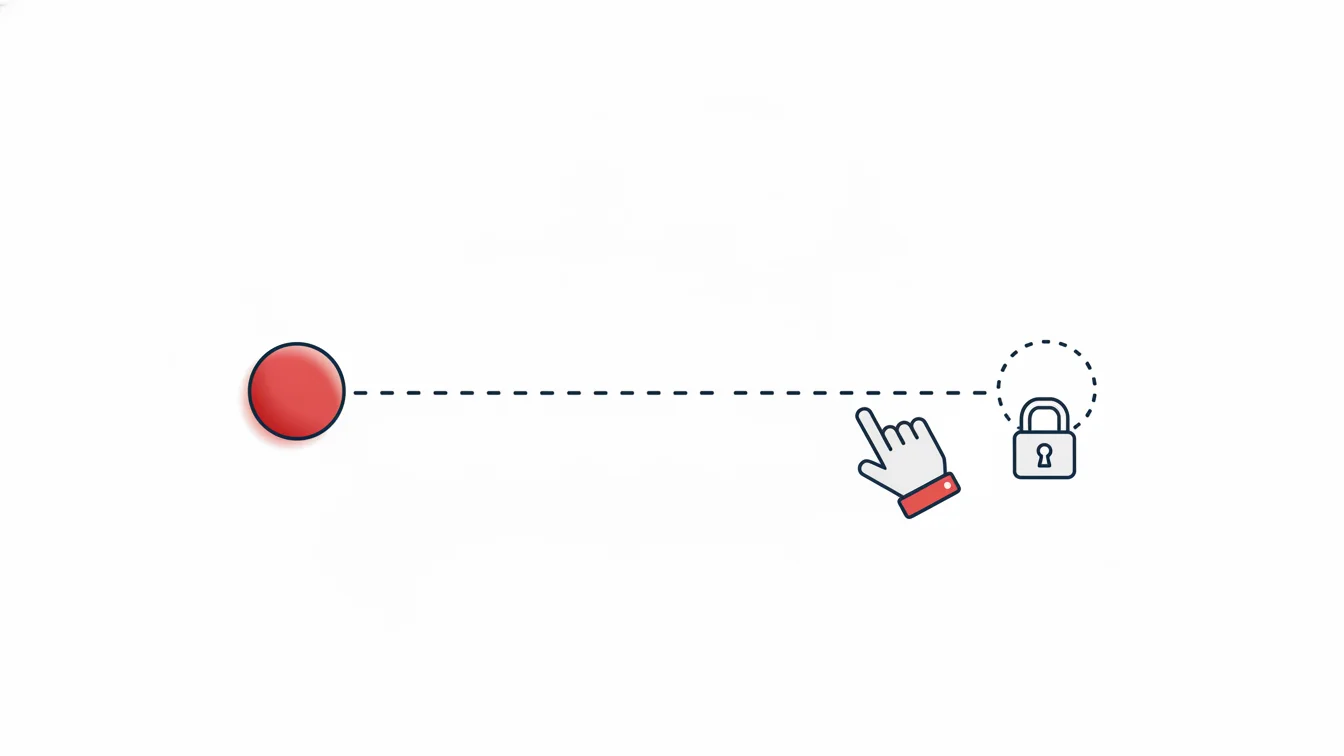
More than half of all timesheet problems come from a single behavior: in the evening, the employee doesn't tap "End Shift" or walks out without scanning their card. The system leaves that day open; at month-end, HR calls the person about that day, the person doesn't remember, and the manager writes down an hour based on a guess. There's no bad intent, but the timesheet is no longer a measurement, it's an estimate.
On the administrative side there are two ways to reduce this: make forgetting harder, and make sure every correction is recorded when someone does forget. In this article I look at both together.
What is an open record, and why is it harmful?
A day with a clock-in but no clock-out (or the other way around) is called an open record. The damage is threefold: the day's working time can't be calculated, overtime and undertime come out wrong, and absence and leave reports get polluted. Worst of all, if open records go unnoticed until month-end, the corrections are made in bulk and based on guesswork.
Three measures that make forgetting harder
1. The missed clock-in/clock-out report, every day
List open days the next morning, not at month-end. Have the report emailed to the manager, and have the manager ask the employee the same day. A one-day-old memory is reliable; a thirty-day-old one is not.
2. The missing-day lock
For mobile time tracking, this is the most effective measure: if an employee has missing records on past days, they must enter leave or an explanation for those days before they can start a new shift. That way the timesheet closes without waiting for month-end, and the explanation comes from the employees themselves, the day after it happened. At one multi-site organization, once we switched this lock on, HR's "what happened that day?" calls largely stopped; employees closed the gap themselves that same morning.
3. Reminders and convenience
Start/End Shift should be large and come first on the app's home screen, and a notification should go out for any shift still open when it ends. With card access, the placement and signage of the exit reader matter; nobody scans a reader they walk past without noticing.
When corrections are unavoidable: rules for manual edits
Despite everything, open days remain and someone fixes them. The correction itself isn't the problem; an unrecorded correction is. The rules:
- Every manual edit is flagged: an entry added after the fact, a changed time, a closed day. It is visually distinguished from a regular record.
- Who, when and why: the person making the change, the time of the change and the reason are mandatory fields. Even if the reason is "forgot," it gets written down.
- Restricted permissions: not everyone can make corrections; permissions are granted by site and role. Employees can't change their own records; they can only enter an explanation or a leave request.
- A separate report: the "Manually edited records" report shows the edit type, date, time, reason and who made it; HR reads this report at month-end before the timesheet.
This report is also an audit safeguard: it's always clear which cells of the timesheet are measurements and which are corrections.
How do you talk to the employee?
Forgetfulness goes down through good routines, not disciplinary action. Still, recurring cases call for a conversation, and that conversation should be grounded in the report: "You have no clock-out on six days this month; four of them were in the same week." The individual clock-in/clock-out report, the missed punches list and the manual edit records keep the conversation from turning into an argument. Be lenient but consistent: the rule has to apply to everyone equally.
Measurement: before and after
The way to know you've improved the process is to track the number of open records. Note the open record count for one month before introducing the lock and the daily report; look at the same number two months later. If it doesn't go down, the problem isn't the software but how it's used: the app isn't installed, the reader isn't visible, or managers aren't reading the report.
Managing open records in NetKurum
In NetKurum, the missed clock-in/clock-out report, the open entry-exit report and the manually edited records report are part of the advanced reports and can be added to automated email delivery. In mobile time tracking, the missing-day lock prompts employees to close past days; if needed, the manager adds leave or a manual record, and every edit is stored with who, when and why. Clicking a cell in the timesheet list shows that day's activity. Details: Entry-Exit Management.
The cheapest time to close an open record is the next morning; the most expensive is payroll day.
Frequently asked questions
Does the missing-day lock prevent the employee from starting work?
They can't start a new shift without explaining the past day; the moment they enter an explanation or a leave request, the shift starts. The goal isn't to block them, but to get the gap closed that same morning.
What happens if someone forgets to clock out with card access?
The day stays open and shows up in the report the next morning; the manager closes it with a reason, and the edit appears in the manual edit report.
Can employees correct their own past records?
No. They can only enter an explanation or a leave request; corrections are made by an authorized user.
How far back is the manual edit report kept?
Records are never deleted; they can be filtered retroactively by period and by person.
Close your open records
We can measure the open record rate in your current timesheets together and set up the process. Start your free trial or get in touch with us.
About the author
Emre Aksoy
Administrative Affairs Specialist
Draws on his administrative affairs and personnel process experience to write about leave approvals, shift planning and everyday HR practice. His articles focus on how things actually work on the ground rather than on theory.