

Knowing what time an employee arrived in the morning, how long they were out at lunch and when they left in the evening is harder than it sounds, even in a small team. Paper sign-in sheets get filled in after the fact, Excel spreadsheets break when they are copied, and at the end of the month whoever prepares payroll has to call people one by one asking, "Were you on leave that day, or off sick?" A time and attendance system (PDKS) exists precisely to remove that uncertainty.
In this article we explain what a time and attendance system is, how a single clock-in becomes a timesheet, which businesses really need one, and what to look for when choosing a system.
What is a time and attendance system?
In Türkiye it is known as PDKS, short for Personel Devam Kontrol Sistemi, the personnel attendance control system. It is the combination of software and hardware that records employees' arrivals and departures, breaks, leave and shifts, and from those records produces results such as late arrivals, early departures, overtime and undertime according to defined rules.
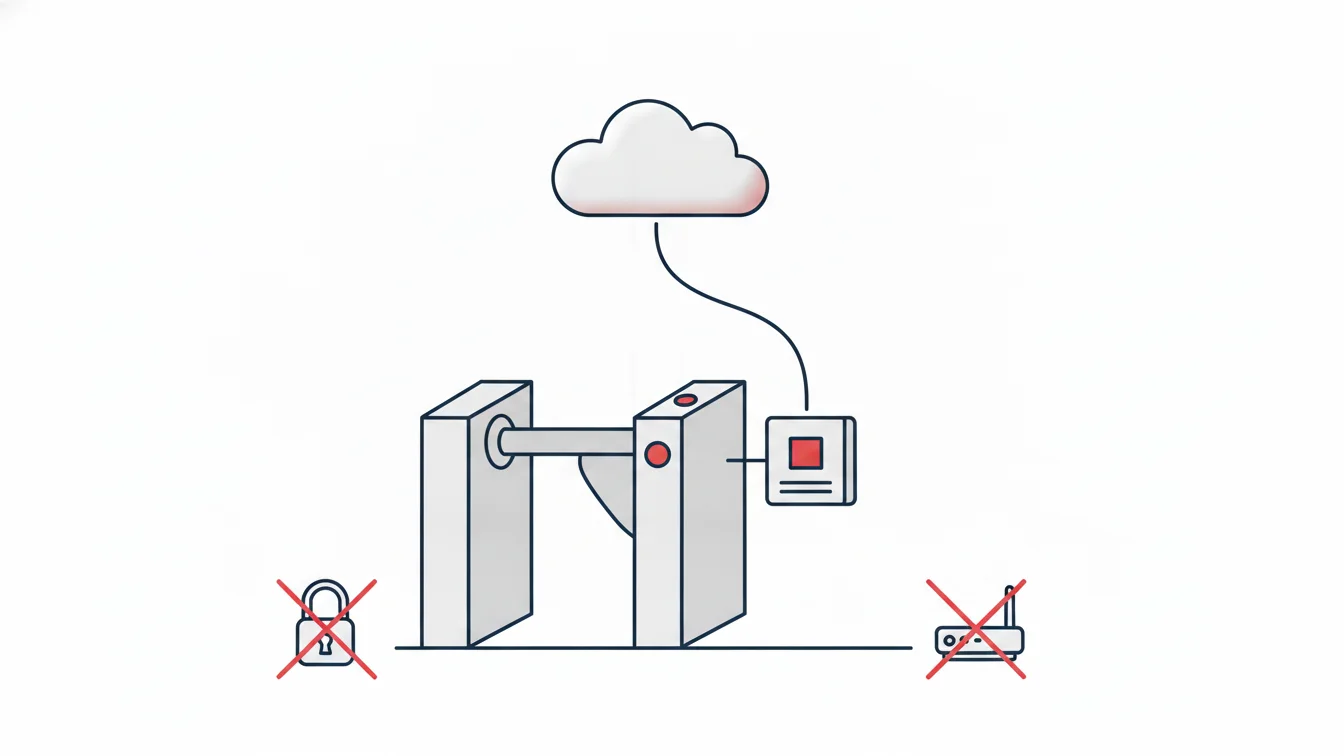
Older systems consisted of a card reader and a desktop program connected to it. Today's time and attendance system is a cloud platform: turnstiles and card panels, the mobile app on the employee's phone and HR's web panel all share the same data. Whichever point a clock-in comes from, it merges into a single stream of events.
How does a clock-in become a timesheet?
The value of time and attendance lies not in capturing the record but in interpreting it. The flow can be summarized in four steps:
1. A passage record is created
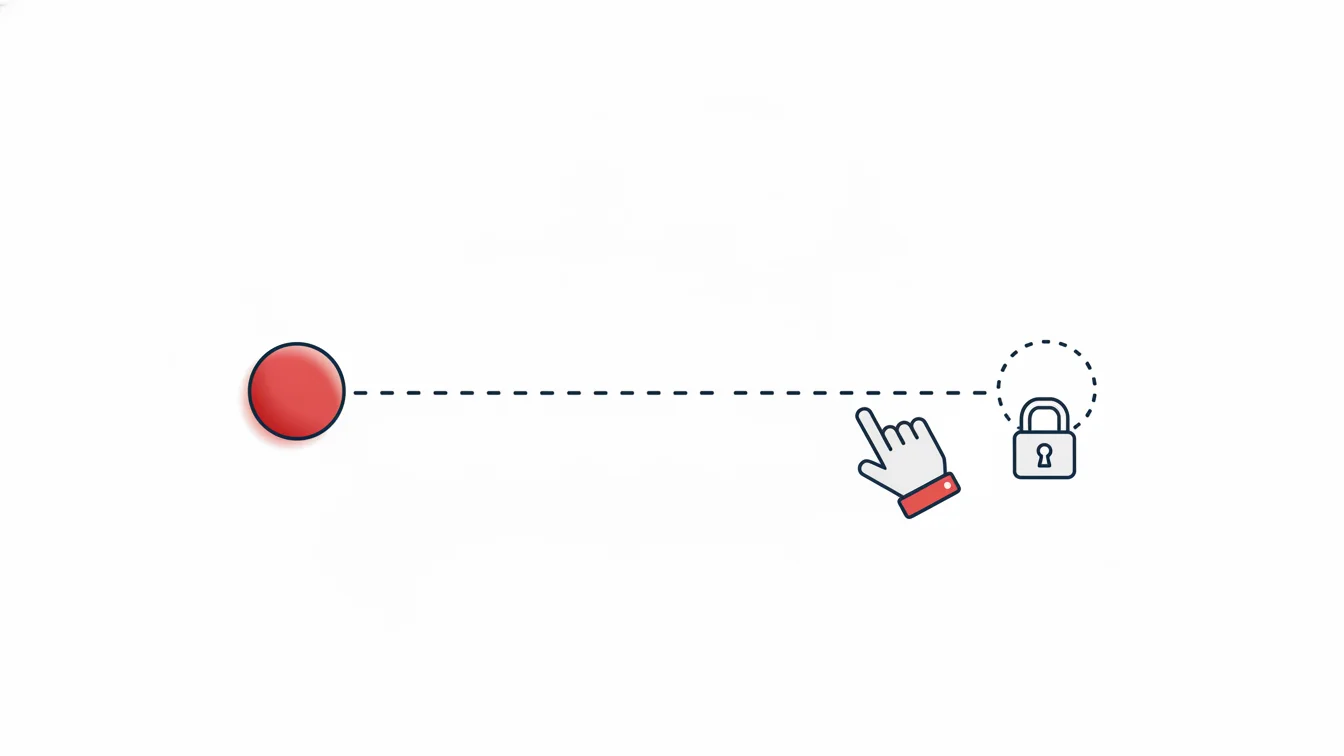
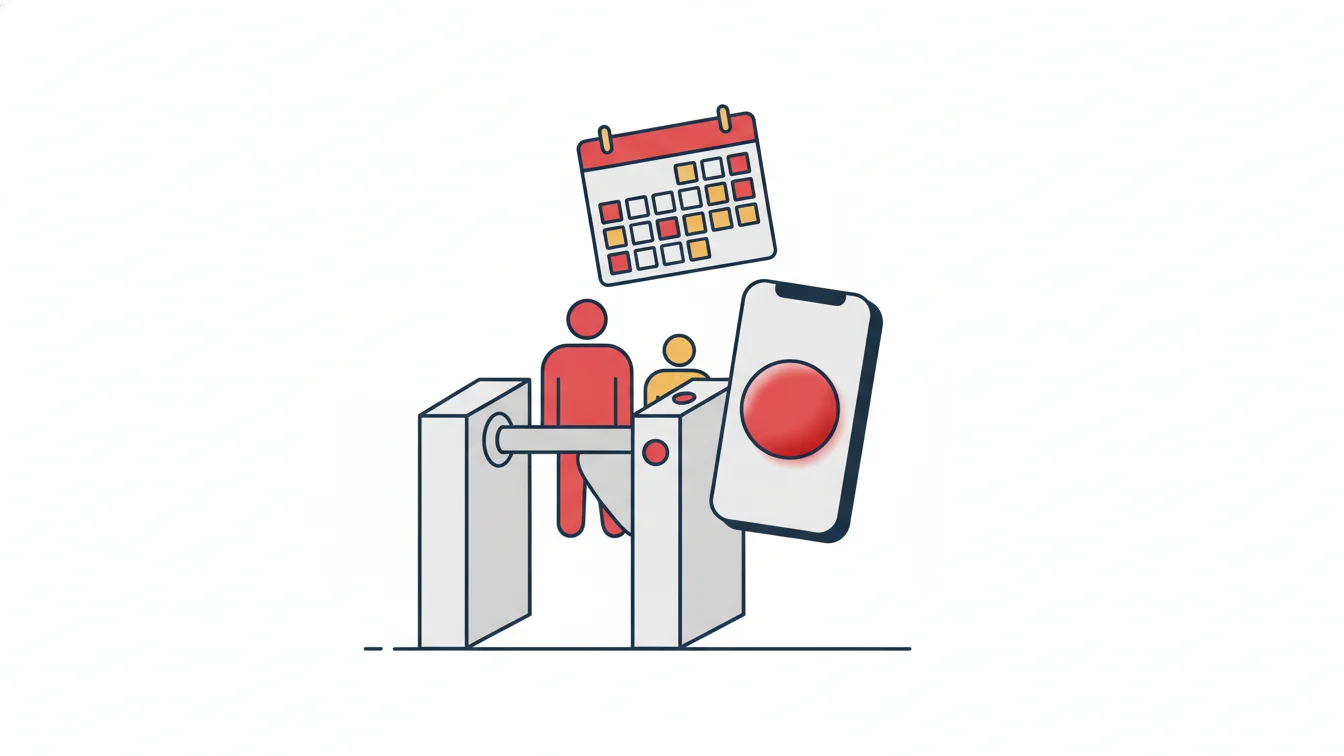
The employee taps their card on the door panel, walks through a turnstile or taps "Start Shift" on their phone. For mobile clock-ins, the app verifies the branch's QR code, the phone's location or both; the organization decides which method applies at each site. Every record is stored with a timestamp and the access point.
2. Shift and tolerance rules are applied
A record means nothing on its own; whether "clocked in at 09:12" counts as a late arrival depends on the employee's shift that day and the organization's tolerance setting. If the shift starts at 09:00 and the tolerance is 15 minutes, the record is normal; if the tolerance is 10 minutes, a 2-minute delay is reported. Night shifts, clock-outs that run into the next day, flexible shifts and multiple breaks all go through the same rule engine.
3. Leave, holidays and missing days are processed
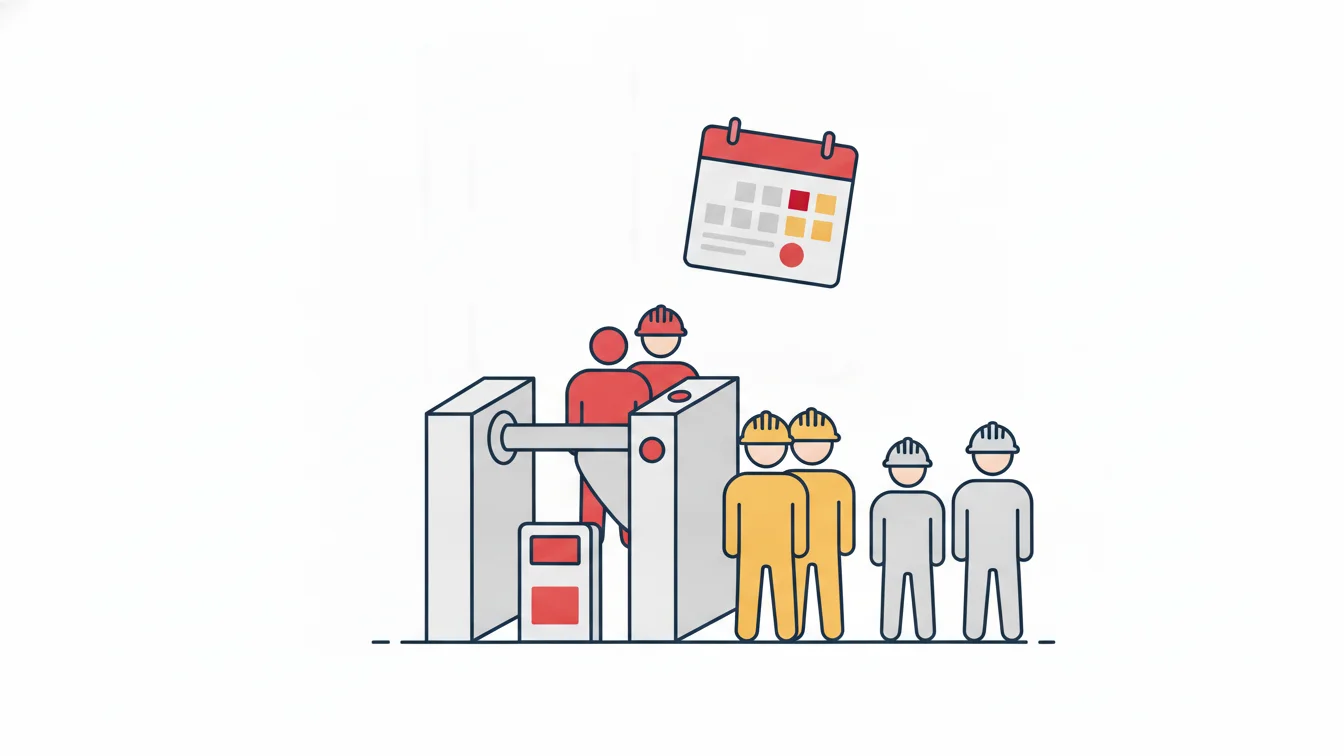
Approved leave, public holidays and weekly rest days are entered on the calendar, so a day without a record shows up as what it really is rather than as "absence." When an employee forgets to clock in or out, that day stays open and is listed in a separate report.
4. Timesheets and reports are generated
The table that emerges at the end of the month is no longer a manually prepared sheet but a timesheet derived from rules: regular hours, overtime, undertime, absence, leave and holidays each appear in a different color in every cell. The same data produces daily reports such as late arrivals, early departures, long breaks and who is on site right now.
Who needs a time and attendance system?
Recording working hours is the employer's legal responsibility; the Turkish Labour Act No. 4857 sets regular weekly working time at 45 hours and expects employers to document working hours. That is why the answer to "Do we need time and attendance?" depends more on how you work than on how many people you employ:
- Shift-based businesses: manufacturing, logistics, security, healthcare. Night shifts and clock-outs that run into the next day cannot be tracked by hand.
- Multi-site organizations: retail chains, financial institutions, schools. When every branch keeps its own ledger, headquarters sees nothing.
- Construction sites and field operations: places with high subcontractor turnover and no fixed network infrastructure. Knowing who is on site is critical for both occupational safety and progress payments.
- Companies with field teams: sales representatives, service technicians, couriers. The workday starts at the customer, not at the office; this is where location and QR verification come in.
- Hybrid offices: for teams that work from home a few days a week, the answer to "Who is where today?" belongs in the system, not in a spreadsheet.
A five-person office can use time and attendance too; but the real return begins at the point where tracking by hand is no longer possible.
Card access or mobile app?
They are not competitors; they are two doors into the same system. At the factory entrance you use a full-height turnstile and card panel; on the office floor, a card panel; in the field or at a small branch, the mobile app. What matters is that all of them feed the same timesheet.
The question of reliability for mobile clock-ins is a fair one. The answer is that the record does not rely on a single piece of evidence: the QR code posted at the branch, the phone's location and the device paired to the employee are verified together. With a dynamic QR code, the code changes at set intervals, so clocking in remotely with a screenshot is not possible.
You can build reliable attendance tracking without biometric data. NetKurum works with card access and multi-factor mobile verification; it does not collect special categories of personal data such as fingerprints or facial recognition.
Five things to check when choosing a time and attendance system
- Setup burden: Does the system require a static IP, port forwarding or a server installation? With a cloud-based system, adding a new branch requires no infrastructure changes.
- Rule flexibility: Can you define tolerances, breaks, flexible shifts and clock-outs that run into the next day? Rules should change from the panel, not in code.
- Leave and approval flow: Are leave requests, the approval chain and entitlement tracking in the same system? A separate leave program means matching two spreadsheets by hand.
- How reports reach you: Does a manager have to log in to the panel every morning, or does the late arrivals report land in their inbox at a set time?
- Data export: Can the timesheet be exported to Excel, and can it talk to payroll and HR systems through web services?
How does time and attendance work in NetKurum?
NetKurum offers entry and exit tracking as part of a cloud-based HR platform. Sites, departments and positions are defined in the organizational structure; a QR code is generated for each site, and the mobile verification method (QR, location or both) is chosen per site. At locations with turnstiles and card panels, the devices talk to the cloud; a new employee's card reaches the devices within seconds, and a departing employee's card is removed just as quickly.
Shift and tolerance definitions, leave types and the approval process, and advance and expense requests are all managed from the same panel; employees reach every one of them from the mobile app. The timesheet list, the detailed monthly report and the daily report set can be exported to Excel and, if you wish, emailed to managers on a set day and time. For details, see the Entry-Exit Management and Shift Management pages.
Frequently asked questions
Do you always need a turnstile or card reader for time and attendance?
No. Office and field teams can clock in and out using only the mobile app, with QR and location verification. Hardware is added for entrances that also require physical access control (factories, construction sites, secured doors).
What happens if an employee changes phones?
Because the account is paired with a single device, the new phone cannot clock in on its own; a manager resets the pairing from the panel and the employee continues with the new device. This makes it impossible to clock in from someone else's phone.
Are passages lost if the internet goes down?
In setups where turnstiles and card panels talk to the cloud, passages are stored on the device while the connection is down and transferred once it returns. No gaps appear in the timesheet.
How does time and attendance data get into payroll?
The monthly timesheet and the detailed monthly report are exported as Excel files; if you have corporate HR or ERP systems, employee, branch and clock-in/clock-out records are synchronized through web services.
At how many employees does it make sense to switch to time and attendance?
How you work matters more than headcount: if you have shifts, more than one branch, field teams or subcontractors, manual tracking produces errors from the very first month. In that kind of setup, the system pays for itself even for a team of ten.
Getting started
If you want to move attendance tracking off paper and scattered spreadsheets, you can try NetKurum for free and we can set up your organization's shift and leave structure together. Start your free trial or get in touch with us.
About the author
Selin Kaya
Digital Content Specialist
Writes for NetKurum's digital content team on time and attendance, leave and shift management. She explains how the product works and answers HR teams' everyday questions in plain language.