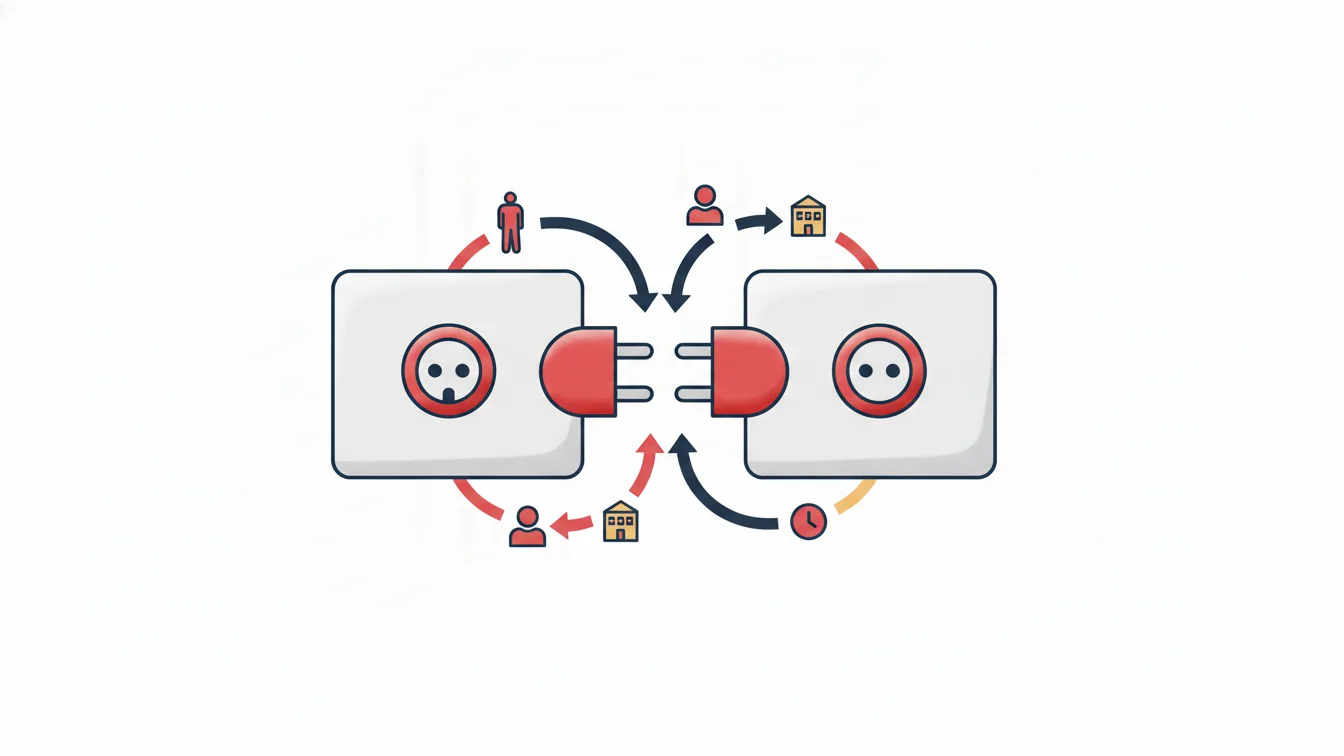


A business looking for employee tracking software runs into two different worlds. The first is the classic time and attendance program you buy and install on your own computer or server; the second is a cloud-based platform you access from a browser and a phone. Both record clock-ins and clock-outs, and both produce timesheets. The difference does not show up in the first week; it shows up when the first new branch opens, when the first update arrives and when the first computer breaks down.
In this article we compare the two approaches under the same headings and say plainly which one suits which business.
The two approaches in brief
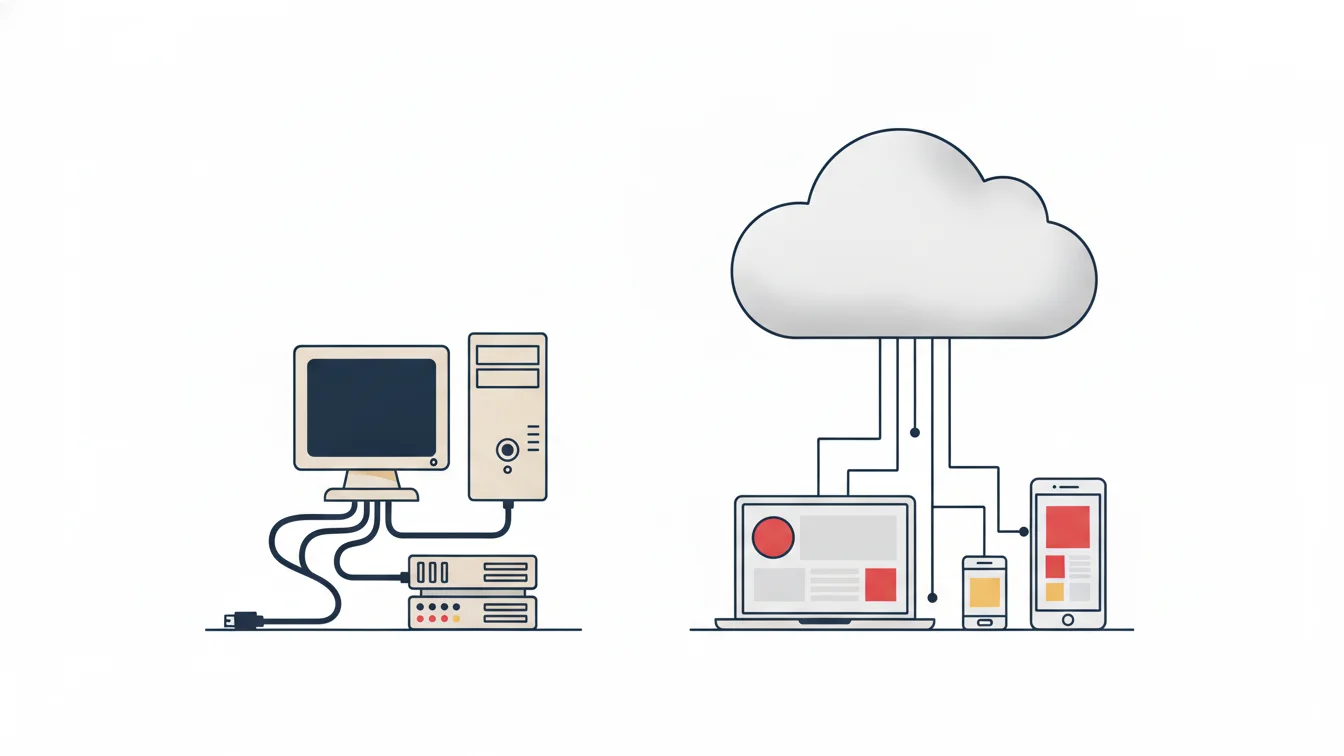
With an on-premise installation, the software runs on one of the organization's computers or servers; card readers usually connect to that computer over the local network. The data lives on that machine, backups are the organization's responsibility and updates are done by hand.
With cloud-based time and attendance, the software is delivered as a service. Managers open the web panel in a browser, employees use the mobile app and devices in the field connect to the cloud over the internet. Servers, backups, security updates and new releases are all part of the service.
Comparison table
| Topic | On-premise | Cloud-based |
|---|---|---|
| Setup | Computer/server, database, device drivers, network settings | An account is opened; if there are devices, a connectivity device is plugged in |
| New branch | A separate installation at each branch, or VPN/port forwarding from the branch to headquarters | A site is defined in the panel and a QR code is generated |
| Mobile clock-in/out | Usually unavailable or an add-on module | A built-in part of the app |
| Updates | Manual, version by version; risk of getting stuck on an old version | Everyone is on the latest version at the same time |
| Backups | The organization's responsibility; often forgotten | Part of the service |
| Access | Only from that computer or the local network | From anywhere, on any device, according to permissions |
| Cost model | Upfront license + hardware + maintenance | Usage-based subscription |
| If the computer breaks down | Data and software are at risk | Nothing changes |
Five situations where the difference is felt most
1. The second branch
At a single location, an on-premise installation can run without trouble. When a second branch opens, however, either a separate installation is done there too, creating two separate sets of data, or the branch's devices need a static IP, VPN and port forwarding to reach headquarters. In the cloud, a new branch is simply a new site row in the panel.
2. Locations without a static IP
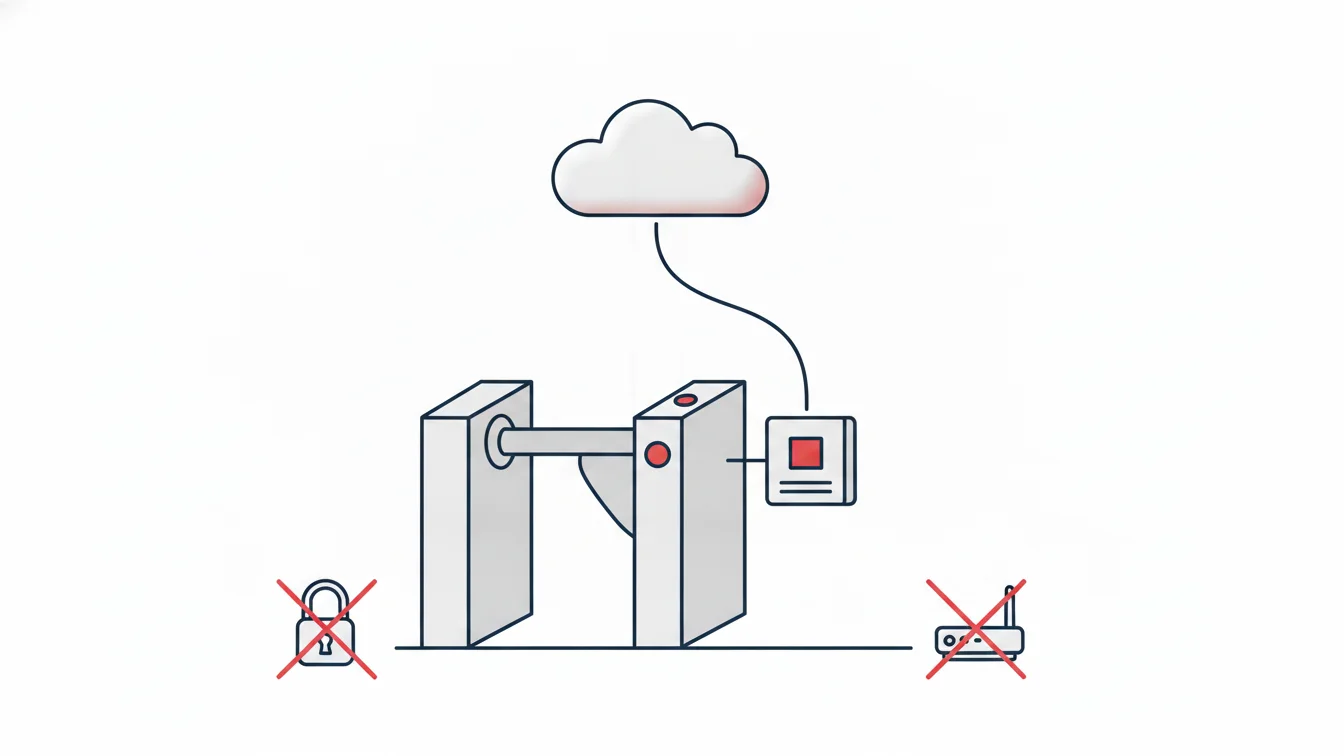
At construction sites, warehouses or temporary offices, the internet usually comes from a mobile modem; there is no static IP, and the modem changes often. The port forwarding and firewall settings that classic time and attendance devices expect have to be redone at every site, and often they simply cannot be done. In a cloud-based setup, on-site devices open a single encrypted outbound channel through a connectivity device; no network configuration is needed.
3. Mobile employees
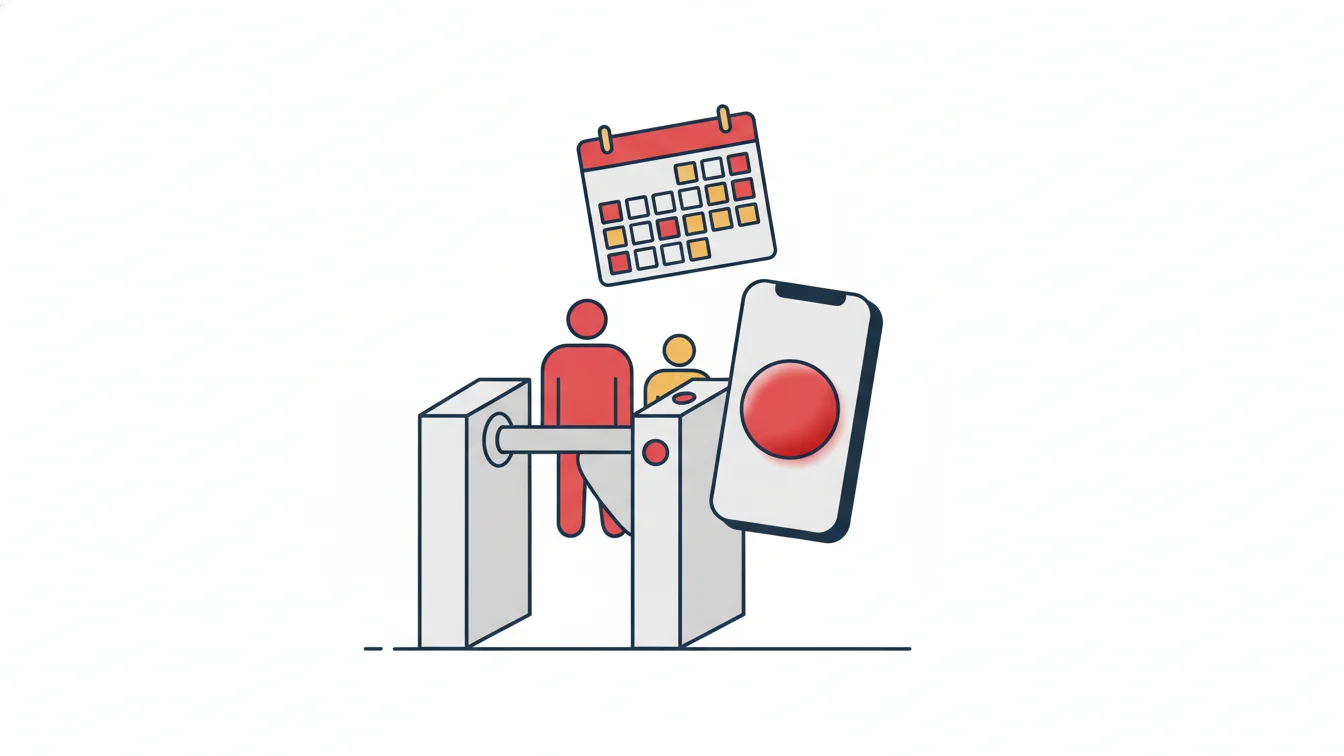
For a field representative, a service technician or a specialist working from home, a card reader makes no sense. In a cloud-based system the workday starts on the phone; QR, location and device verification provide reliability. Employees also submit leave and expense requests from the same app.
4. The day the manager is out of the office
With an on-premise installation, getting a report means sitting down at that particular computer. In the cloud, managers find the late arrivals report in their morning email or log in to the panel from their phone.
5. Regulatory and version changes
Leave types, public holidays and reporting needs change. With an on-premise installation, every change means an update package and an installation visit; in the cloud, the change reaches all users at the same time.
Where on-premise installation has a point
To be fair: at some facilities where internet access is deliberately kept off and data must never leave the organization's physical boundaries, on-premise installation is the only option. Without such a requirement, the only remaining advantage of on-premise is that a license paid for years ago still works — which usually means software that is no longer updated.
How is security ensured in the cloud?
The worry that "our data is outside" is understandable; but the right question is not where the data is, but who can see how much of it. In a well-designed cloud time and attendance system:
- Page permissions are tied to position and role: a branch manager sees their own branch, a subcontractor supervisor sees their own company and HR sees the entire structure.
- Each employee account is paired with a single mobile device; changing devices requires manager approval.
- Every manual intervention (a clock-in added later, a corrected time) is recorded with who did it, when and why.
- No biometric data is collected; card numbers, QR codes and location verification are enough.
The NetKurum approach
NetKurum runs entirely on a cloud architecture: there are no servers, licenses or on-premise installations. The web panel is used from a browser and the mobile app on iOS and Android. Sites with turnstiles and card panels connect to the cloud through a connectivity device; no static IP, NAT rules or firewall settings are required. Adding a new site, device or user is not an infrastructure change. Employee, branch and clock-in/clock-out data can be synchronized with corporate HR and ERP systems through web services, and existing Excel spreadsheets are imported on day one. You can review all the features.
Frequently asked questions
Can we connect our existing card readers to a cloud system?
Most card access devices can connect to the cloud through a connectivity device. Send us the make and model of your devices and we will check compatibility together.
Does the system stop when the internet goes down?
The mobile app and the panel need internet access; on-site devices, however, store passages in their own memory during an outage and transfer them once the connection returns.
Can we export our data?
Yes. Timesheets, reports and employee lists can be exported to Excel, and web services are available for corporate systems.
What happens to historical data when we switch from an on-premise system?
Branch, department, position and employee records are imported from Excel with a field-mapping wizard. Historical timesheets usually remain as an archive in the old system; if needed, they are exported and kept.
Before you decide
Unless your organization has a single branch, a single shift and no plans to grow, cloud-based time and attendance means less setup, less maintenance and more visibility. You can try NetKurum for free and reach out to us with any setup questions.
About the author
Zeynep Çelik
Digital Content Specialist
Covers technology, integrations and field deployments on the NetKurum blog. She explains cloud time and attendance, connectivity devices and real customer experiences with clear examples.