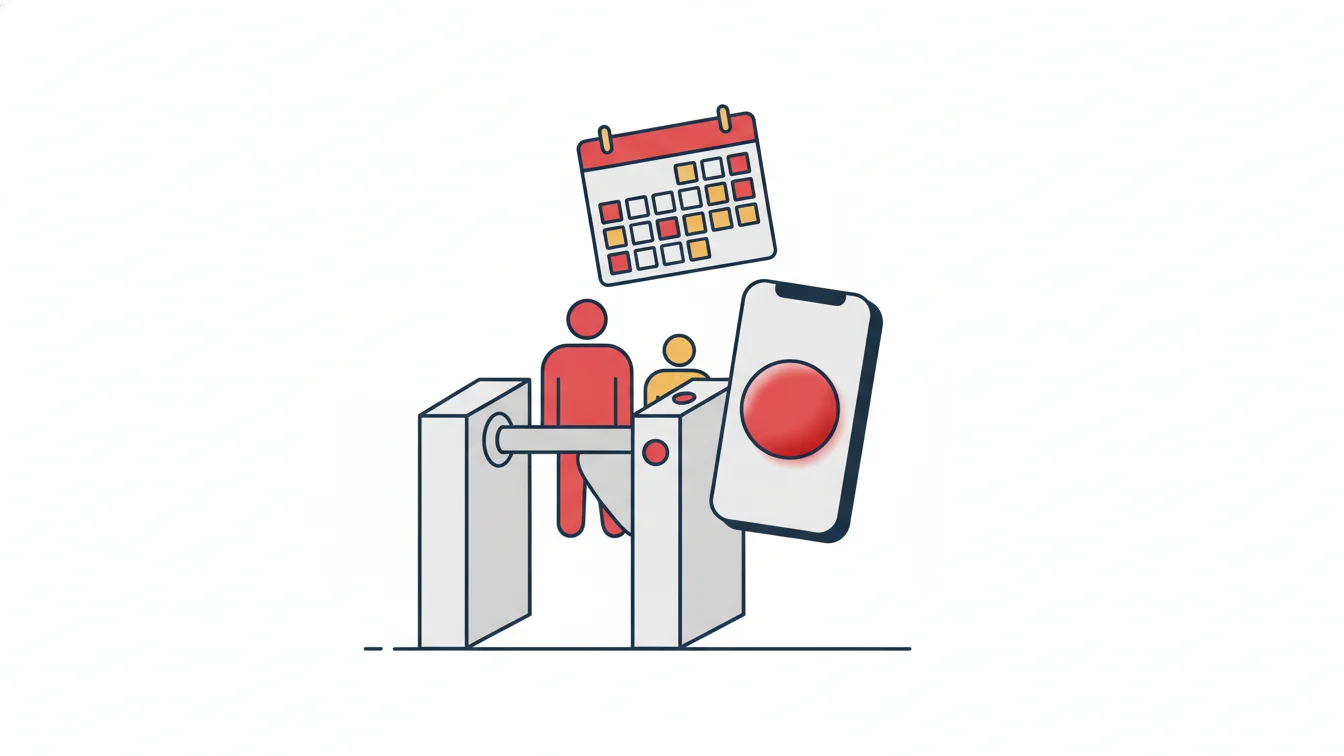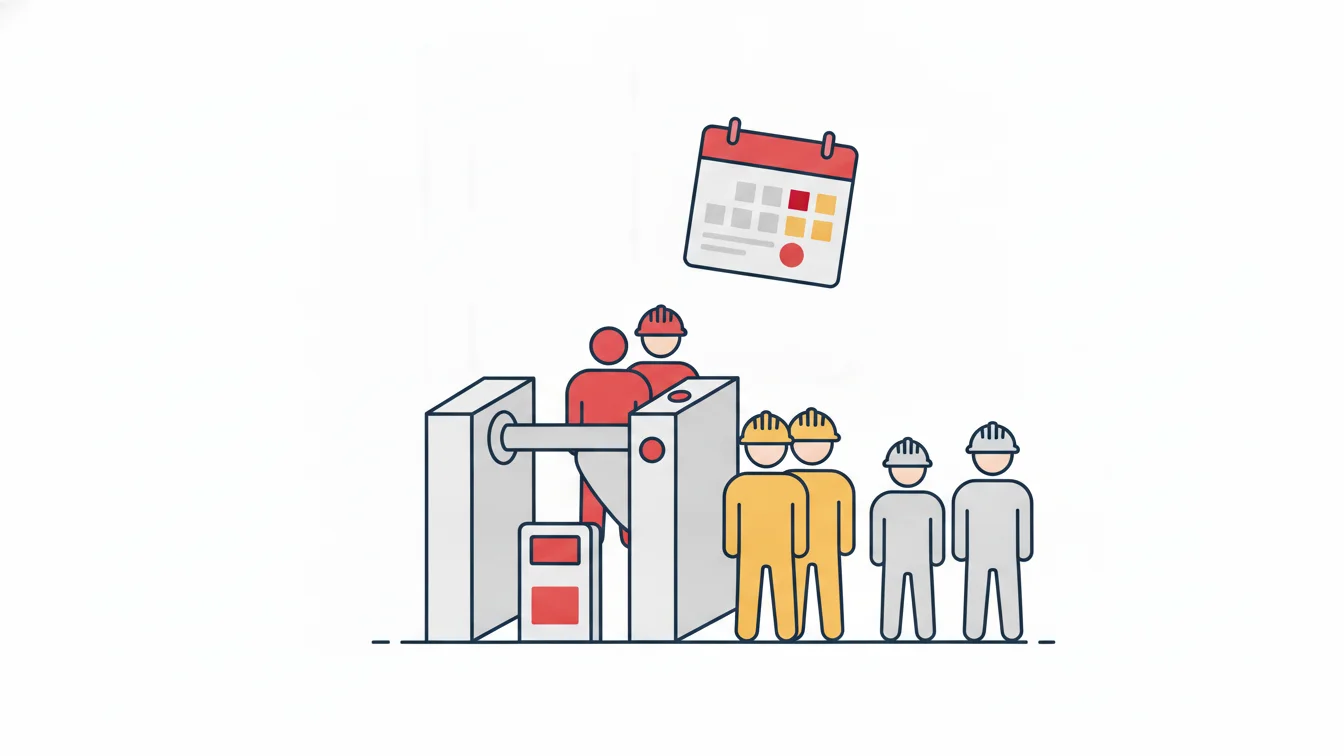


The most time-consuming step in a time and attendance project is not the software; it is getting the device at the door to reach headquarters. A classic installation asks for a static IP for every card reader, port forwarding on the modem and a rule on the firewall. In a single building you put up with that once; but at a construction site where the internet comes from a mobile modem and the modem and carrier change often, these settings have to be redone every time, and often they cannot be done at all.
In this article we explain an approach that connects on-site turnstiles and card panels to the cloud without any network configuration, how a card reaches the devices within seconds and what happens when the connection drops.
The problem: the device has to be "opened up" to headquarters
Old-style time and attendance software connects to the device itself: at regular intervals the server goes to the reader's address, pulls the records and loads new cards. That requires the reader to be reachable from outside. And reaching it from outside requires three things:
- Static IP: if the address changes, the server cannot find the device.
- Port forwarding (NAT): the modem has to pass incoming requests from the outside world to the right device.
- Firewall rule: the opened port is exposed to the entire internet, so security has to be managed separately as well.
The result: a network specialist at every site, a service visit every time the modem changes and a permanent security risk from ports left open to the outside.
The solution: reverse the direction of the connection
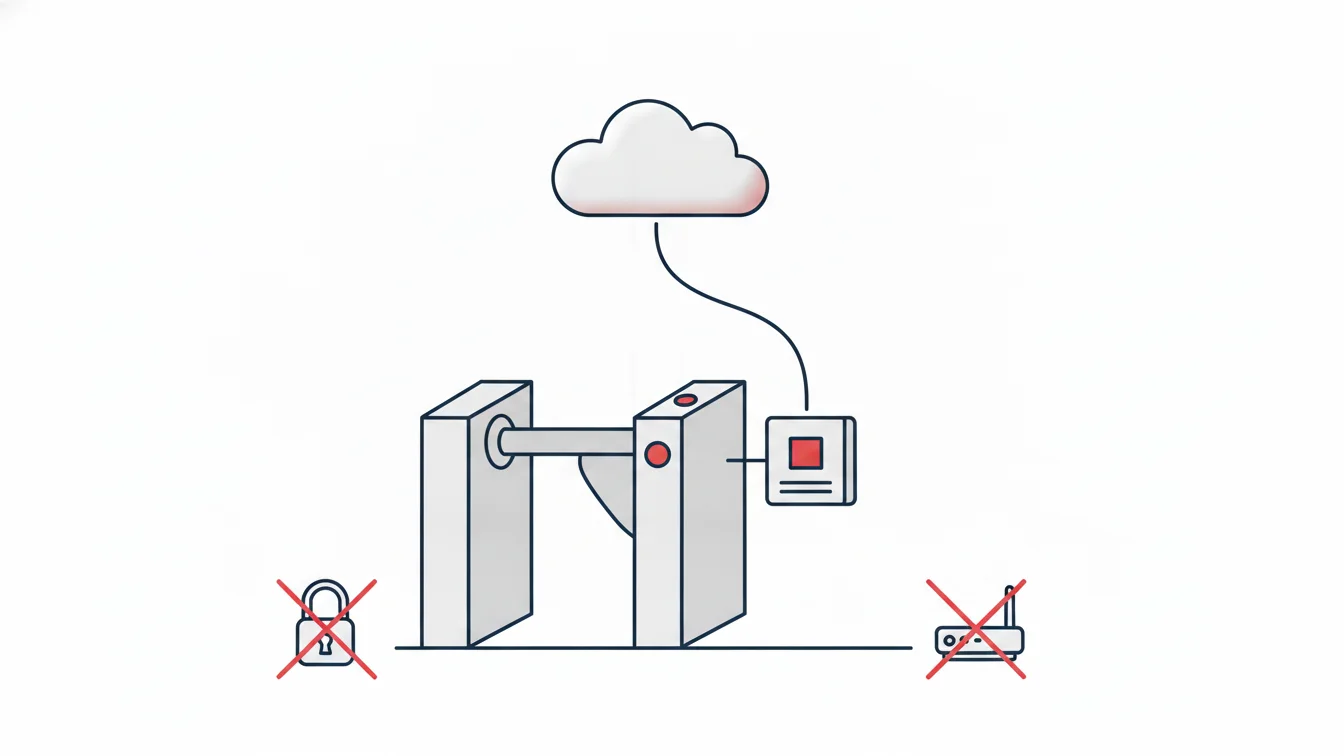
In a cloud-based setup the device is not opened up to headquarters; the site connects to the cloud on its own. A small connectivity device is placed at each site. It gathers the turnstiles and card panels on the local network and opens a single encrypted outbound channel toward the cloud. Since no inbound connections come in:
- No static IP is needed; the channel stays up even if the modem's address changes every day.
- No port forwarding or NAT rules are needed; there are no ports open to the outside.
- No firewall exceptions are opened; the existing modem is used as is.
In practice, setup looks like this: the devices are mounted, the connectivity device is plugged into the same network and linked to the site in the panel. From that moment on, the construction site can be managed from headquarters. Opening a new site means plugging in a box, not launching an infrastructure project.
Card definitions reach the devices within seconds
At a construction site with high subcontractor turnover, dozens of new cards are issued and dozens are revoked every week. Where cards are loaded onto each device by hand, a newcomer's card starts working hours later, while a departing worker's card sometimes stays active for days — an unacceptable gap from an occupational safety standpoint.
The connectivity device reverses this flow. As soon as a card is assigned to a person and their authorized access points in the panel, it is sent to the relevant devices; deactivating a card or processing a departure pulls it from the site just as quickly. The status of each card on the devices and its last sync time are visible in the panel; the answer to "Did the card go through?" is a record, not a guess.
Access rights are granted not person by person but through person groups: which sites, which hours, which shift. A person added to a group automatically receives the group's rights, and their card is sent to the relevant devices.
What happens if the connection drops?
We cannot claim that the internet at a construction site never goes down. That is why passages are stored on the device when the connection is lost and transferred once it returns. The turnstile keeps working, card permissions are in the device's memory and no gaps appear in the timesheet. Headquarters simply cannot see the live stream for that period; the device management screen shows which bridge is offline.
Different devices, one event stream
A construction site may have a full-height turnstile at the main entrance, tripod turnstiles at the service and vehicle gates, and card panels at the office container, canteen and warehouse doors; office and field staff clock in from their phones with QR and location verification. All of these merge into a single event stream. Shift, tolerance and break rules run on this stream; each record stores the point of passage, which appears together with the time in the detailed monthly report. The question "Which gate did this person use today, and at what time?" is answered in a single table.
Central device management
The device management screen lists turnstiles, card panels and connectivity bridges by site: online status, today's passage count, number of registered cards and last sync. When needed, cards can be resent and a turnstile can be opened remotely. The manager console shows the number of people on site right now, the day's entries, late arrivals and device health on a single screen.
This is exactly what we faced on a construction project: no static IP, ports that could not be opened, a modem that changed often. With the connectivity device, every new site became manageable from headquarters the moment the devices were mounted and the box was plugged in; new workers' cards worked at the gate within seconds, and departing workers' cards did not stay active.
Which businesses is it suited for?
- Construction and real estate companies running several sites at the same time
- Places that need physical access control, such as warehouses, logistics centers and production facilities
- Chains with a card panel at every branch that want visibility from headquarters
- Operations with heavy subcontractor and visitor traffic, where the card lifecycle changes quickly
Frequently asked questions
Do we need to replace our existing turnstiles?
In most cases, no. The connectivity device talks to the on-site readers over the local network; send us the make and model and we will verify compatibility together.
Does the connectivity device need anything special from the internet line?
No. Mobile modem, ADSL or fiber makes no difference; because the device establishes an outbound connection, it needs no static IP, port or firewall settings.
How long does it take to revoke a card?
The moment a card is deactivated, the change is sent to the devices; on site it becomes invalid within a few seconds. The status of each card on the devices is visible in the panel.
Can card access and mobile clock-in be used at the same time?
Yes. The same person can clock in through a turnstile at the construction site, at a card panel in the office and from their phone in the field; everything goes into a single timesheet, and every record shows the point of passage.
Let's connect your site to the cloud
If you want to manage the devices at your construction sites or branches from headquarters, take a look at the Entry-Exit Management page and get in touch with us with details of your existing devices. For mobile clock-in and clock-out, you can start a free trial right away.
About the author
Zeynep Çelik
Digital Content Specialist
Covers technology, integrations and field deployments on the NetKurum blog. She explains cloud time and attendance, connectivity devices and real customer experiences with clear examples.