

Hybrid work is here to stay; two days in the office and three at home, or the other way around, is now the normal routine for many offices. The debate about time tracking has changed along with it. The old question was "who arrived when?"; the new one is "who is where today, how many hours did they work, and how much do we really need to track that?" In a hybrid setup, poorly designed tracking turns into surveillance and erodes trust; no tracking at all makes overtime invisible and works against the employee.
In this article I share the approach we use in administrative affairs for hybrid teams: what we record, and what we deliberately don't.
Principle first: records yes, surveillance no
Recording working time is the employer's obligation, and it benefits the employee too: overtime is paid only if it is recorded, and rest time is protected only if it is recorded. Surveillance is something else: taking screenshots, tracking mouse movements, following someone's location all day. The line between the two is clear: record when people work, don't monitor how they work. That line fits both the proportionality principle of Türkiye's Personal Data Protection Law (KVKK) and the team's trust.
Four rules for a hybrid setup
1. Start/end of workday works the same everywhere
Turnstile or QR in the office, the app at home: employees start and end the day with the same button. The recording method changes with the location; the recording rule does not. That way the timesheet makes no distinction between an office day and a home day; both are working days.
2. Location policy by site
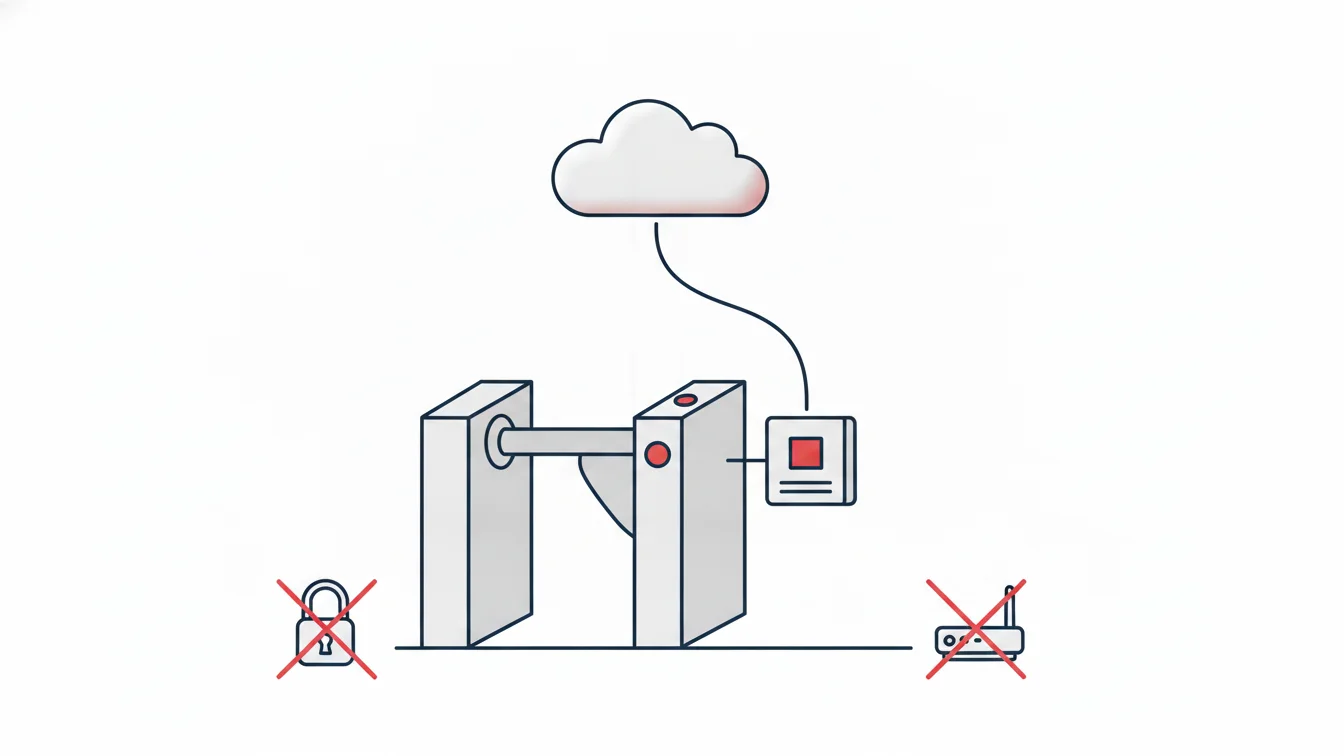
At the office site, QR + location verification makes sense. On a home day, however, location verification is pointless and an unnecessary intrusion: the day starts wherever the employee is, and verification is limited to device pairing. Choosing the method per site makes this distinction possible; "remote" is defined as a site, and its check method is device only.
3. Flexible shifts, clear totals
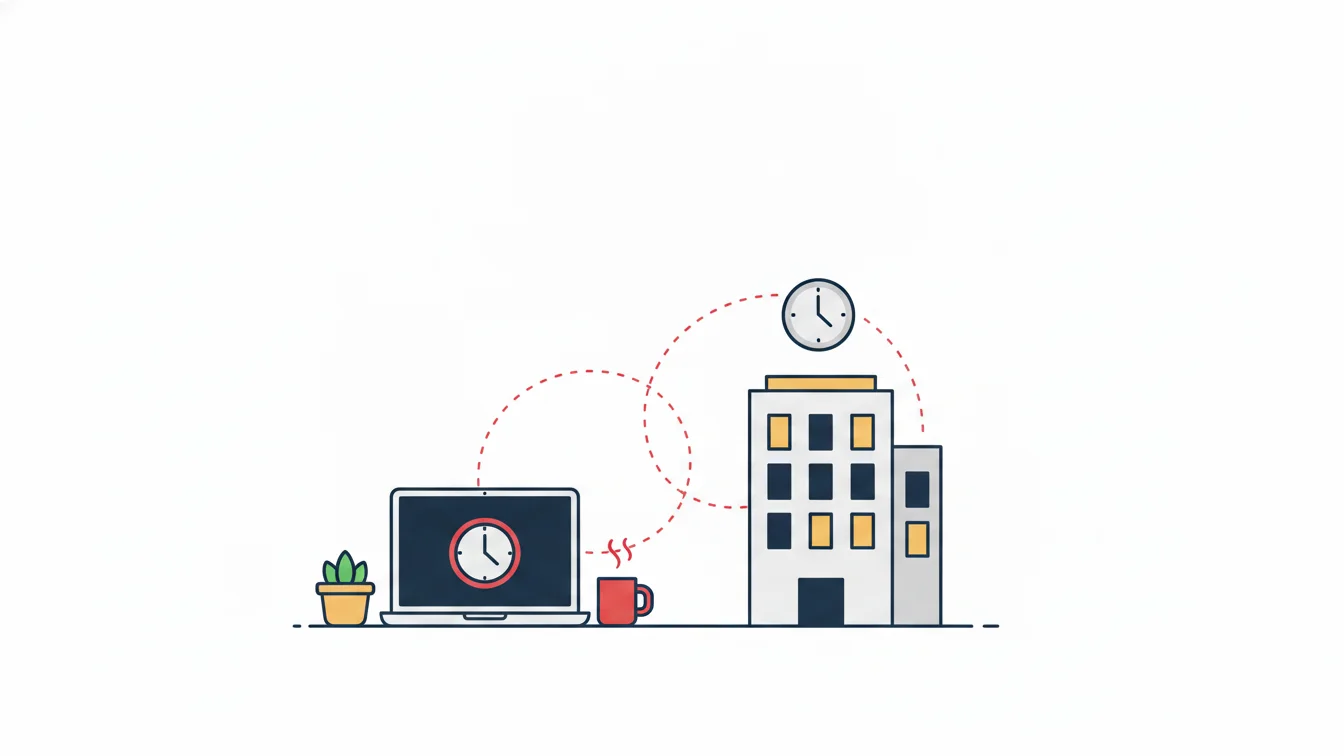
In hybrid teams, start times are usually flexible; what matters is the daily total and the core hours the team shares. A flexible shift definition says "start between 08:00 and 10:00, complete 8 hours"; tolerance and the minimum overtime threshold apply just as they do for an office shift. The "what time did they start?" debate ends, and the question "how much in total?" remains.
4. Make overtime visible
The silent problem of remote work is that emails answered at nine in the evening are never recorded anywhere. When time is recorded, overtime becomes visible; the manager either approves it or says "log off when your day ends." Either is better than an unrecorded setup. The daily overtime report and weekly totals protect the employee here.
Planning office days
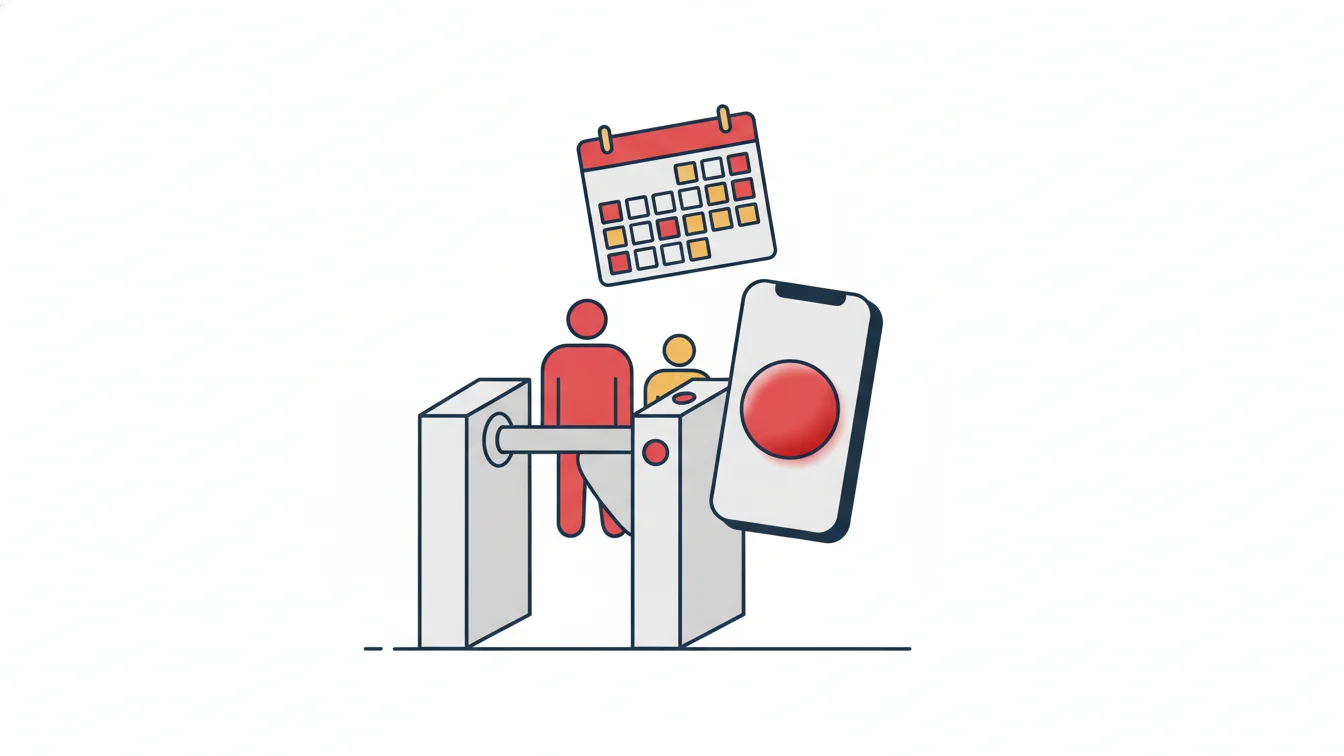
In a hybrid setup, the question "who is in the office on which day?" matters for desks, meetings and team rhythm. Assigning office and remote days per person per day in the shift calendar makes this plan visible; the "currently on site" report shows office occupancy. Plan changes are made for a single day, and the app notifies the employee of that day.
Leave, sickness and "I'm out today"
In remote work, the line between leave and not working blurs: a day of "I'm a bit sick, I'll do some light work from home" is neither leave nor work. The rule should be simple: if you are working, record your hours; if you are not, submit a leave request. Hourly leave fills this gray area: a two-hour doctor's appointment in the afternoon is recorded as leave, and the day isn't left half-done. The employee opens the request in the app and sees their balance; the manager approves.
What managers should do
- Look at weekly totals, not daily hours. In a hybrid setup, days are not equal.
- Read the overtime report as "who worked too much?", not "who worked too little?"
- Close open records the next day; forgetting to tap the clock-out button at home happens more often than forgetting the turnstile at the office.
- Announce the rules in writing: which verification at which site, core hours, overtime approval.
What employees should do
- Start and end your day in the app; the record works in your favor.
- Record your breaks; your right to rest is protected only if it is recorded.
- If you work in the evening, open a record; invisible overtime doesn't get paid.
Hybrid work in NetKurum
In NetKurum, the mobile check method is chosen per site (QR, location or device only); flexible shift definitions, tolerance and the minimum overtime threshold are set up in the panel; office and remote days are assigned per person per day from the calendar. Employees start their workday in the app and submit hourly leave requests from the same place; managers find the daily overtime and open record reports in their inbox. Location is checked only at the moment of the transaction and only at enabled sites; there is no all-day tracking. Details: Mobile Application and Shift Management.
In a hybrid setup, tracking is not about watching the employee but about making work visible. Invisible work doesn't get paid; invisible rest doesn't get protected.
Frequently asked questions
Can location verification be turned off for employees working from home?
Yes; at the "remote" site, the check method is set to device pairing only. Location is checked only at the office site.
How is overtime approved in a hybrid setup?
The daily overtime report goes to the manager; approved hours go to payroll, and unapproved hours stay on record with the reason.
Is there such a thing as being late on a flexible shift?
If someone starts outside the start window (for example, after 10:00), it counts as late; any start within the window is fine.
Who changes office days?
The manager changes them for a single day in the calendar; the employee receives a notification in the app.
Set up your hybrid workflow
We can define site, shift and verification rules for your office and remote days together. Start your free trial or contact us.
About the author
Emre Aksoy
Administrative Affairs Specialist
Draws on his administrative affairs and personnel process experience to write about leave approvals, shift planning and everyday HR practice. His articles focus on how things actually work on the ground rather than on theory.