

Annual leave is one of the most disputed items when an employee leaves: unused leave must be paid out, and at that moment everyone has a different answer to "how many days of leave did they have left?" The root of the problem isn't knowing how to calculate it; it's record-keeping discipline. Leave entitlement arises on a different date for each employee, changes with seniority, and every half day taken is deducted from the balance; keeping this error-free in Excel for years is nearly impossible.
In this article I recap the statutory leave periods in Türkiye and explain how to track the accrual date, how to keep the balance accurate and why the leave reconciliation form matters.
Statutory leave periods
Under Turkish Labour Act No. 4857, an employee who has worked for at least one year from their start date, including the probationary period, is entitled to annual paid leave. The entitlement increases with seniority:
| Seniority | Annual leave (working days) |
|---|---|
| From 1 year up to 5 years (including 5 years) | 14 days |
| More than 5 years, less than 15 years | 20 days |
| 15 years (inclusive) and more | 26 days |
These are minimum periods; they can be increased by the employment contract or a collective agreement. Leave for employees under 18 and over 50 may not be less than 20 days. Weekly rest days, national holidays and public holidays falling within the annual leave period are not counted as leave days. The right to annual leave cannot be waived; it cannot be split by the employer, but by mutual agreement it may be taken in parts, provided that one part is no shorter than 10 days.
Accrual date: every employee's own calendar
Leave entitlement arises not by calendar year but based on the start date. An employee who started on March 15 earns their first leave entitlement on March 15 of the following year; on the March 15 that completes their fifth year, the entitlement rises from 14 to 20 days. A 50-person company has 50 different accrual dates. The most common mistake in manual tracking is renewing everyone's leave on January 1; this gives some employees leave they haven't earned and others less leave than they're owed.
The right approach: the start date is recorded for each employee, the number of days corresponding to their seniority is added to the balance when the accrual year is completed, leave taken is deducted, and the remaining balance is visible at all times.
Carried-over leave and "unused leave"
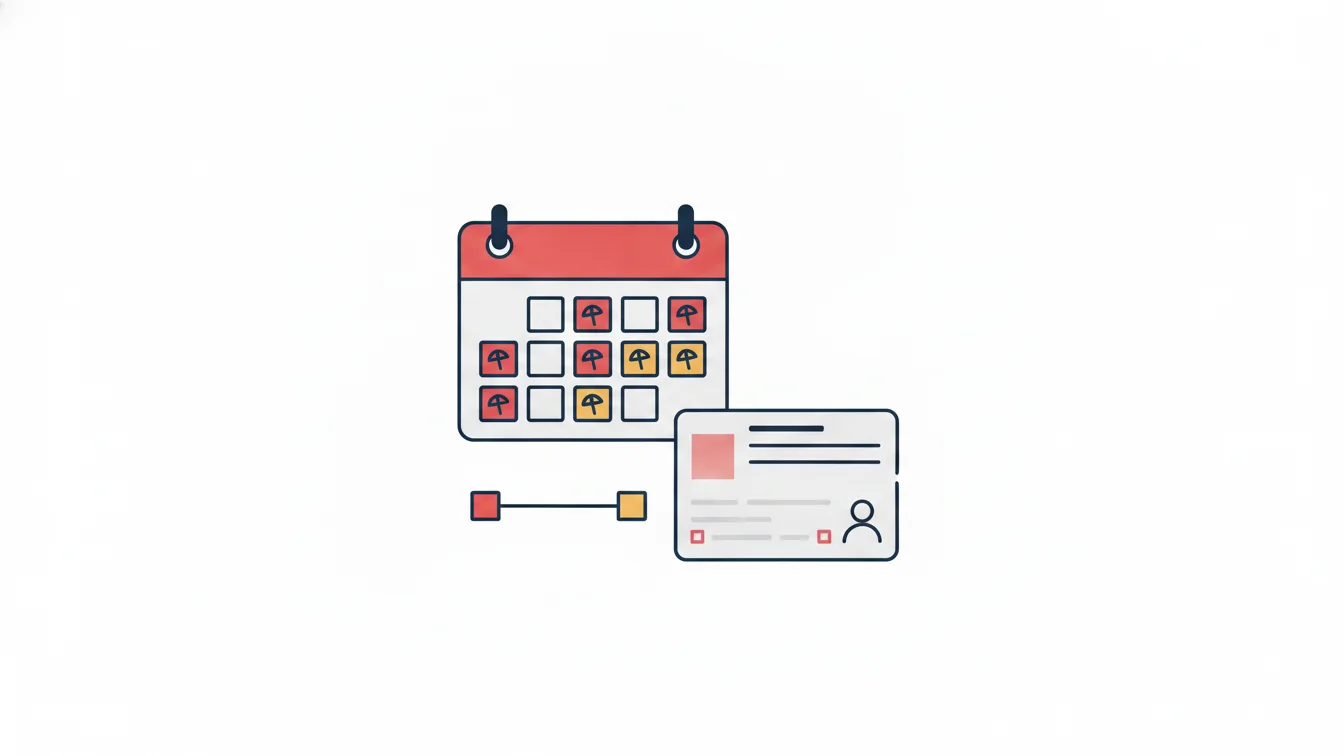
Unused leave doesn't expire; it carries over to subsequent years, and when the employment contract ends, unused days are paid out based on the final wage. That's why an accumulated leave balance is a liability for the employer and should be visible in financial planning. The annual leave usage list and the accrual report answer "who has accumulated how many days" in a single table; managers look at this table to encourage employees to take their leave.
Why does the leave reconciliation form matter?
Annual leave usage must be documented. The employer is required to keep leave records; a record showing the dates between which the employee took leave and bearing the employee's signature heads off any future objection along the lines of "I wasn't on leave those days, I was working." That is exactly what the leave reconciliation form is: it shows earned, used and remaining leave days in detail, and both the employee and the employer sign it.
Generating the form from a digital system with a single click brings two benefits: the form always shows the current balance, and since employees already see their own balance in the app, there are no surprises at signing.
Five rules for keeping the balance accurate
- Deduct leave from the balance the moment the request is approved; don't process it in a batch at month-end.
- Define half-day and hourly leave as separate types; make it clear from the outset whether they affect the annual leave balance or are a separate entitlement.
- Set up leave types to fit your company: annual, unpaid, excused, sick, maternity, marriage, paternity… Each type should have a defined effect on the balance and defined document requirements.
- Increase the balance automatically once the accrual date passes; HR shouldn't have to remember anything.
- Let employees see their own balance. Transparency stops most objections before they arise.
Leave accrual in NetKurum
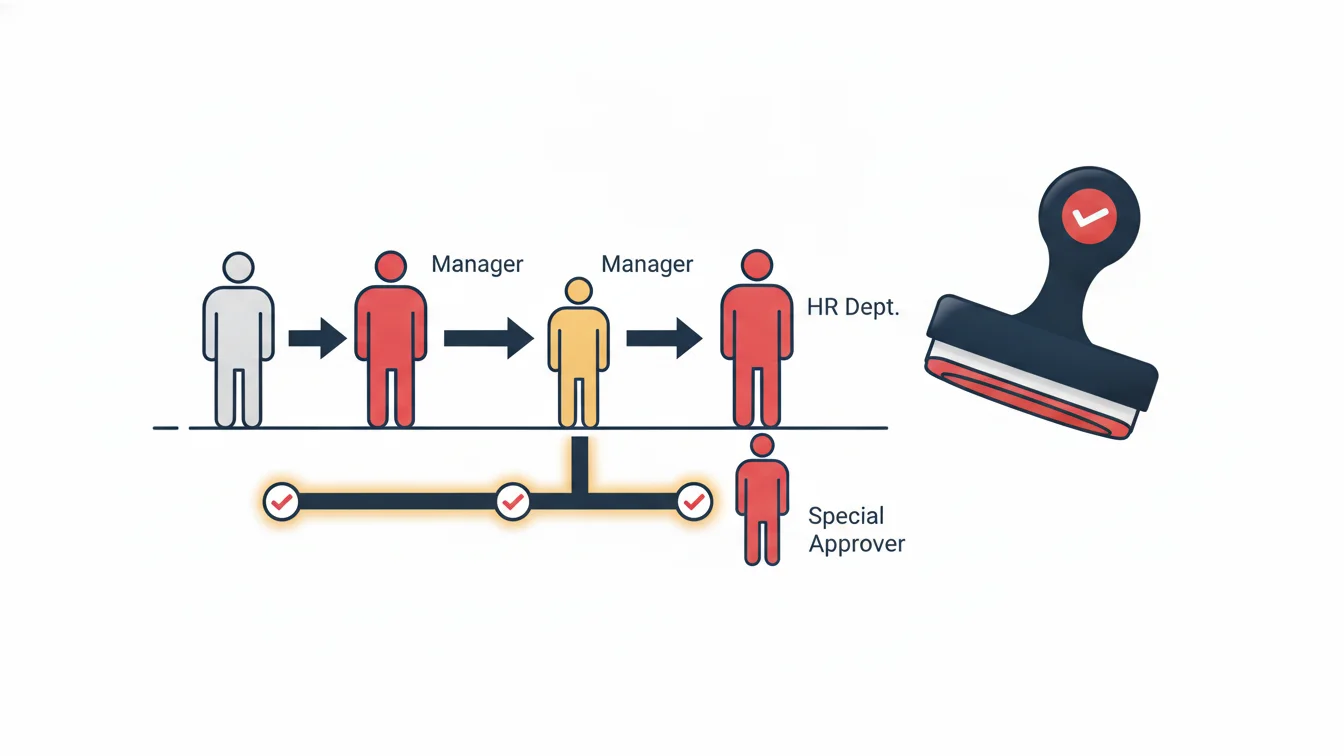
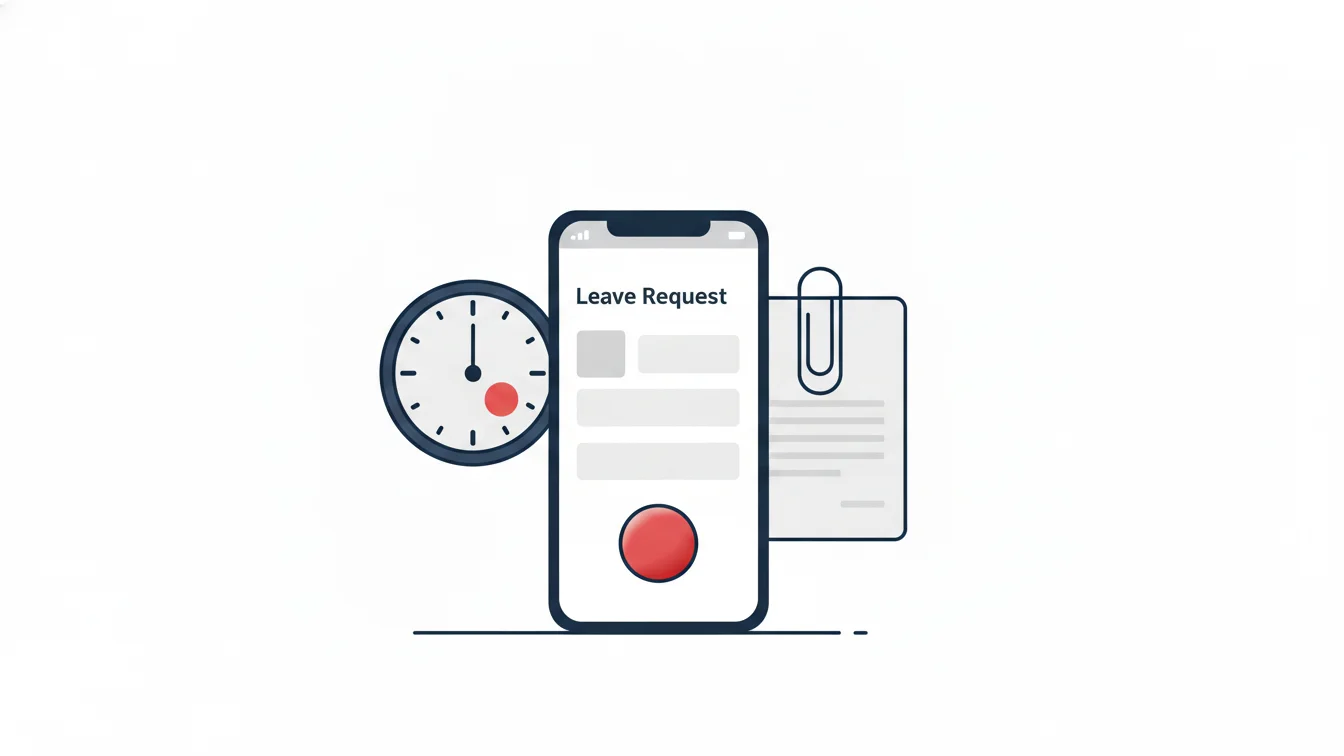
In NetKurum, leave types are defined to fit your company; hourly leave, document uploads and accrual tracking are part of the leave module. Employees submit leave requests from the mobile app and see their remaining balance on the same screen; the request goes through the approval workflow chosen by the company, and approved leave is posted directly to the timesheet. HR gets the employee leave usage list and the accrual report and prints the leave reconciliation form for each employee from the dashboard. For details, see the Leave Management page.
The leave balance isn't a number calculated at month-end; it's a record that has to be right every single day.
Frequently asked questions
Does the probationary period count toward seniority?
Yes. The one-year period is calculated from the start date, including the probationary period.
Can annual leave be split into parts?
By mutual agreement, it can be taken in parts; one part may not be less than 10 days.
Are weekends deducted from the leave period?
No. Weekly rest days, national holidays and public holidays that fall within the leave period are not counted as leave; the system calculates working days accordingly.
Does leave increase to 20 days as soon as seniority reaches 5 years?
The 20 days apply in the accrual period that follows the completion of the fifth year; since the system tracks accrual dates for each employee, the transition happens automatically.
Keep your leave balances in one place
We can start by importing your employees' start dates and current balances; the system tracks the rest. Start your free trial or contact us.
About the author
Halit Yılmaz
Accounting Manager
Writes from an accounting manager's perspective on timesheets, overtime, leave entitlements and the accuracy of the data that feeds payroll. He explains where the numbers come from and how to check them.