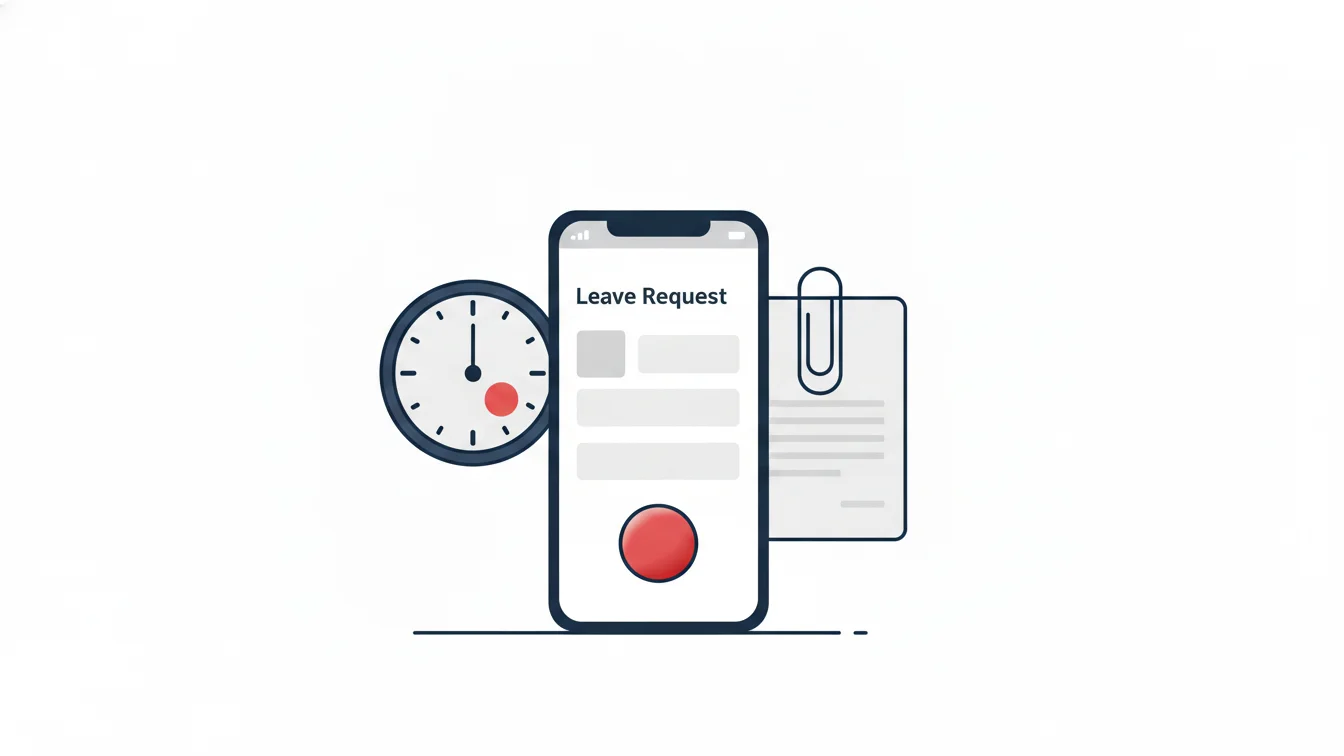


In most organizations, a leave request travels like this: the employee tells their manager, the manager says "fine," and HR finds out three weeks later while preparing payroll. Or the opposite: a three-day leave for someone on an eight-person team sits waiting for the general manager's sign-off. Both extremes stem from the same gap — who approves is a habit, not a written rule.
The question I hear most in administrative work is not "who should approve?" but "how do we put the rule for who should approve into the system?" In this article I walk through four approval models, the structures each one fits, and what to watch for when you set them up in the panel.
The three parts of an approval process
Before choosing a model, break the process down into three questions:
- Who decides? The direct manager, the department head, HR, or a sequence of them.
- How many steps does it take? A single approval, two stages, or the entire hierarchy?
- What happens with exceptions? When the approver is on leave, the request is urgent, or an amount/duration threshold is exceeded.
The four models answer these questions differently.
Model 1: Hierarchical approval
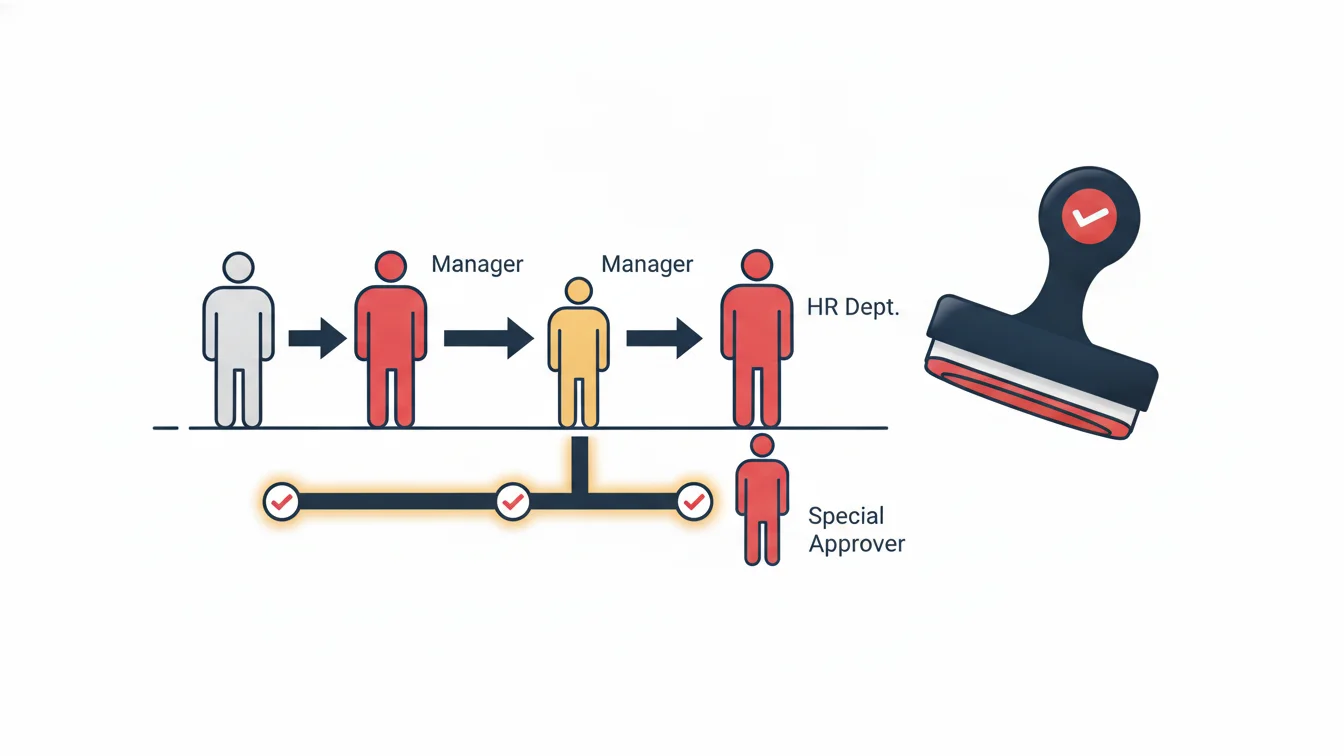
The request starts with the employee's superior in the reporting tree and moves upward: team lead → department head → director. If each step approves, it moves to the next; if anyone rejects, it ends.
Best fit: organizations with clearly defined levels, where long leaves affect more than one manager; manufacturing and multi-layered organizations.
Risk: slowness. Waiting for four approvals for a three-day leave wears out both the employee and the manager. The fix is to split the model by leave duration: shortened approval for short leaves, the full hierarchy for long ones.
Model 2: Single-approver approval
Each department has one designated approver; the request goes straight to them and ends with their decision.
Best fit: small and mid-sized teams, store and branch setups (the branch manager approves), and work where speed comes first.
Risk: a single point of failure. If the approver is on leave or has left the company, the process stalls; defining a delegate is a must.
Model 3: Shortened hierarchical approval
Instead of the entire hierarchy, it skips certain levels: for example, only the direct manager and HR. Decision authority stays with the immediate manager, and record-keeping and balance checks end with HR.
Best fit: most office environments. It is fast, passes through two sets of eyes, and HR sees the balance.
Risk: it reduces senior management's visibility; someone must separately monitor capacity issues such as many people taking leave in the same period.
Model 4: Custom approval chain
The organization builds the chain itself: it selects specific roles, sets their order and, if needed, builds different chains for different departments. For example, regional manager + sales director for the sales team, and site manager + HR for the field team.
Best fit: organizations with big differences between departments, where no ready-made model satisfies every unit. This is exactly what we experienced at a multi-branch financial institution: in a structure stretching from headquarters to branch representatives, every department had a different approval flow and no one-size-fits-all chain worked for any of them; the solution was for each unit to build its own chain from the panel.
Risk: complexity. As the number of chains grows, who belongs to which chain must be documented and visible in the panel.
Comparison
| Model | Speed | Control | Setup | Best for |
|---|---|---|---|---|
| Hierarchical | Low | High | Reporting tree is enough | Multi-level organizations |
| Single approver | High | Medium | One person per department | Branches, stores, small teams |
| Shortened hierarchical | High | Medium-high | Levels to skip are selected | Office teams |
| Custom chain | Variable | High | One chain per department | Departments with differing structures |
Five checks when setting it up in the panel
- Is the reporting tree correct? Hierarchical models rely on the reporting tree; if "who reports to whom" is wrong, the request goes to the wrong person.
- Is a delegate defined? The process should not stall while the approver is on leave.
- Where is the balance checked? A request opened with an insufficient balance should be flagged before it reaches the manager.
- Are leave types that require documents flagged? For leave such as sick leave, marriage or childbirth, uploading a document should be mandatory, and the approver should see the document on the same screen.
- Are notifications working? The approver whose turn it is should get a notification in the app; the employee should see approvals and rejections instantly.
What happens after approval?
The approval process ends at the timesheet. Approved leave should be entered in the calendar, no shift should be expected that day, it should be deducted from the balance, and it should appear on the reconciliation form. If these steps are done by hand, the process is not digital — even if the approval itself is.
Approval workflows in NetKurum
In NetKurum, the leave approval process is set up with one of four models: hierarchical, approval by selected roles, shortened hierarchical, and custom approval chain. Employees open requests from the mobile app, see their remaining balance and upload documents when needed; the manager whose turn it is approves or rejects the request in the app or the panel. Approved leave is posted to the timesheet, leave types are defined per organization, and the reconciliation form is printed from the panel. Details: Leave Management.
The right approval model is not the strictest one, but the one that reflects how your organization actually makes decisions. A chain that says one thing on paper and another in the system is the worst option.
Frequently asked questions
Can different departments use different approval models?
Yes. A custom approval chain is set up per department; one department can work with a single approver while another uses the hierarchy.
What happens to a request while the approver is on leave?
If a delegate is defined, it goes to the delegate; if not, it waits. That is why defining a delegate is part of the setup.
Can a manager approve their own leave?
No; by design, requesters cannot decide on their own requests, so the request moves up to the next level.
Do rejected requests stay on record?
Yes. The request is stored with the decision, the decision-maker and the timestamp; the employee sees the reason for rejection.
Let's build your approval chain together
Tell us about your reporting tree and approval habits; we'll choose the best-fitting model together and set it up in the panel. Start your free trial or get in touch.
About the author
Emre Aksoy
Administrative Affairs Specialist
Draws on his administrative affairs and personnel process experience to write about leave approvals, shift planning and everyday HR practice. His articles focus on how things actually work on the ground rather than on theory.