

Annual leave rules are clear; the real confusion starts with the small absences during the day. When an employee leaves for two hours to see a doctor, where is that deducted from? Is someone who leaves in the afternoon marked absent? Who keeps the medical note an employee brings in, and where? The answers vary from one organization to another — but in every organization they should be written down, and the system should apply them.
Below, I have gathered the seven questions administrative teams ask most often and how each one is handled in digital leave management.
1. Is hourly leave deducted from annual leave?
There is no legal requirement; this is a company policy. There are three common approaches: hourly leave accumulates and is deducted from annual leave once it adds up to a full day; hourly leave comes from a separate "personal leave" pool (for example, a set number of hours per year); or hourly leave is made up later and does not touch the balance. Whichever you choose, the rule must be written into the leave type definition: which balance does this type affect, does it have an annual cap, does it require approval?
2. How does half-day leave appear on the timesheet?
For an employee on half-day leave, the day is neither an absence nor a full working day. On an accurate timesheet, that day appears as "partial leave": the hours on leave are recorded as leave, the remaining hours as work, and they do not count toward undertime. On manually kept sheets, half days are entered as either a full day of leave or a full day of work — and both distort payroll.
3. Which types of leave require documents?
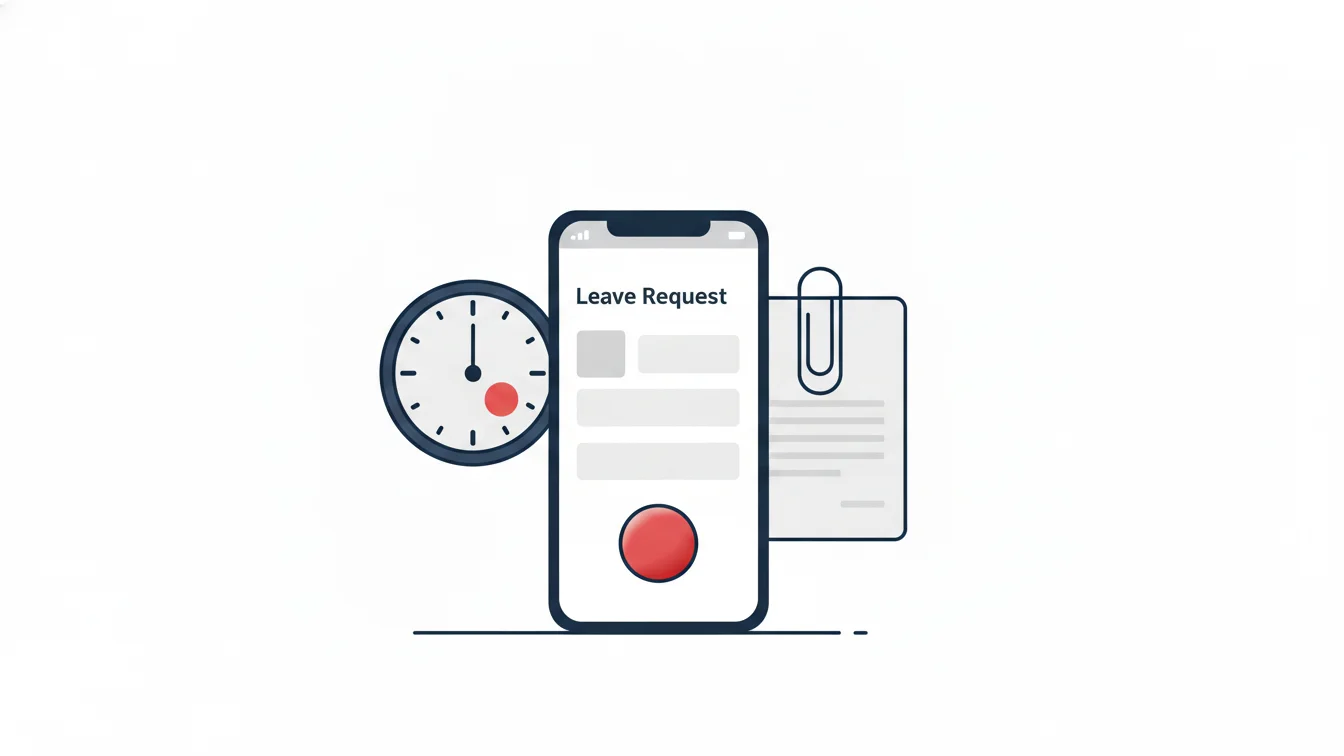
Types such as sick leave, marriage, childbirth, paternity and bereavement leave rely on documentation. The document requirement should be flagged on the leave type; the employee should upload the document (a photo of the medical note, a PDF) when opening the request, the approver should see it on the same screen, and the document should remain in the employee file. For leave opened with "I'll bring the document later," the document usually never arrives.
4. Who defines leave types, and how many should there be?
The organization defines its leave types; no ready-made list fits every company. The core set is usually: paid annual leave, unpaid leave, sick leave, personal leave (hourly), marriage, childbirth, paternity, bereavement and administrative leave. Four settings per type are enough: does it affect the balance, does it require a document, which approval workflow applies, can it be taken by the hour? Opening twenty types makes management harder; eight to ten well-defined types are enough for most organizations.
5. Should employees see their own balance?
Yes, absolutely. Employees who can see their balance don't call HR, don't open requests with an insufficient balance and aren't surprised when signing the reconciliation form. Showing accrued, used and remaining leave in the mobile app is the simplest feature for reducing HR's workload.
6. Can leave be entered retroactively?
It should be possible, but it must be recorded. If an employee didn't come in yesterday and says today "I was on leave," the manager can enter leave for the past day; however, that record should be flagged as a "manual intervention" and reported with who, when and why. In mobile time tracking, the missing-day lock keeps this in order: a new shift cannot be started until the past day is closed, so the employee enters leave or an explanation for that day.
7. How should a leave request reach the manager?
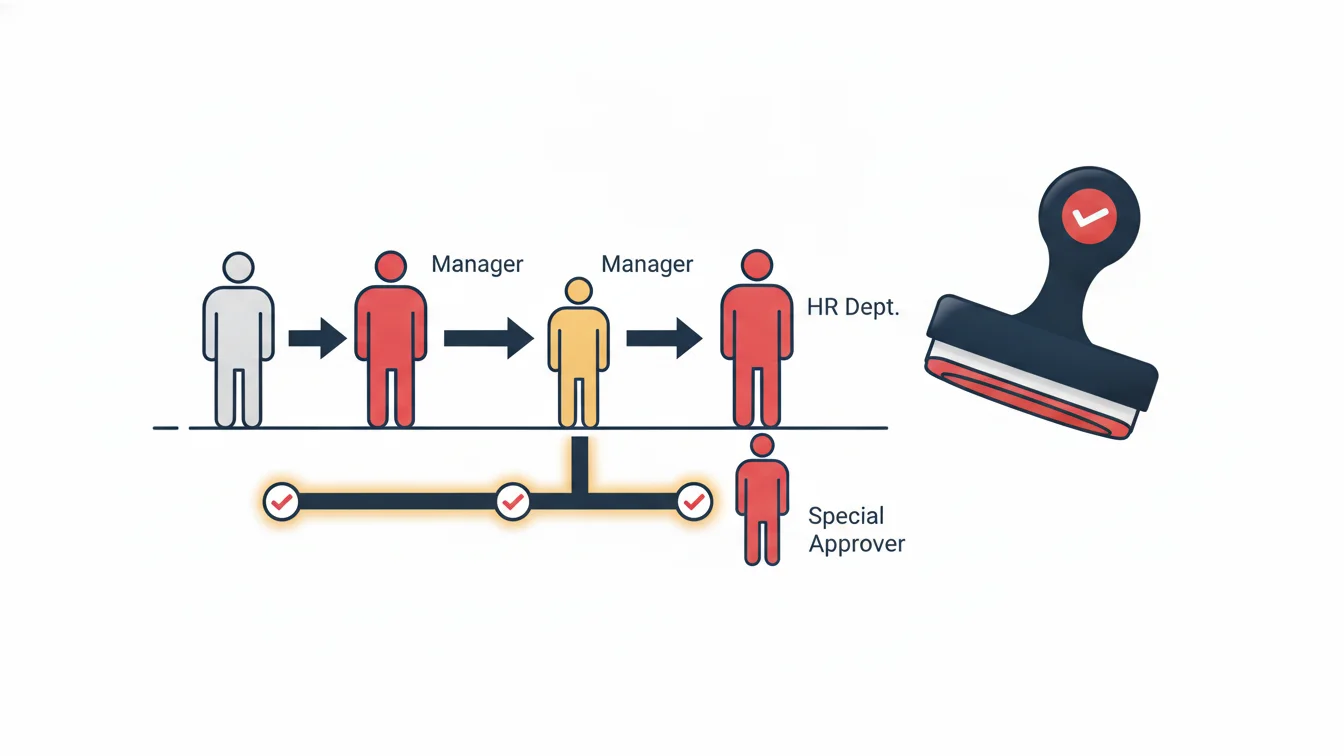
Email and messaging groups are not the right channel for leave requests: requests get lost, the order gets mixed up and nothing is recorded. The request should be opened in the app, the approver whose turn it is should receive a notification, and the decision should come back to the employee through the same channel. The approval model (hierarchical, single approver, shortened, custom chain) is chosen to match the organization's decision-making structure; we covered this in detail in our article on approval workflows.
A short checklist
- Balance, document, approval and hourly-use settings are written down for every leave type
- Half-day and hourly leave appear as partial leave on the timesheet
- Uploads are mandatory for types that require documents, and documents are kept in the employee file
- Employees see their balance in the app
- Retroactive entries appear in the manual intervention report
- Approved leave is posted to the timesheet and calendar automatically
Leave types in NetKurum
In NetKurum, leave types are defined per organization and hourly leave is supported; employees open requests from the mobile app, see their remaining balance and upload documents. The request goes through the approval workflow the organization has chosen and, once approved, is posted to the timesheet; HR gets the employee leave usage list, the entitlement report and the per-employee leave reconciliation form from the panel. Details: Leave Management.
In leave management, big problems don't come from long leaves, but from two-hour absences that never get recorded.
Frequently asked questions
Does hourly leave also require approval?
It depends on company policy; an approval workflow is selected for the leave type. Most organizations use single-approver approval for hourly leave.
Is a medical note personal data, and how should it be stored?
Health data is a special category of personal data; the document should be stored in an employee file that only authorized people can see, with access restricted by role.
Is half-day leave deducted as half a day from annual leave?
Yes, if the leave type selected is annual leave, half a day is deducted from the balance; if personal leave is selected, that type's rule applies.
Can an employee open a leave request for a past date?
If the organization allows it, yes; the request goes for approval, and the backdated record appears separately in reports.
Let's define your leave types together
Share your current leave policy and we'll move your types and rules into the system together. Start your free trial or get in touch.
About the author
Emre Aksoy
Administrative Affairs Specialist
Draws on his administrative affairs and personnel process experience to write about leave approvals, shift planning and everyday HR practice. His articles focus on how things actually work on the ground rather than on theory.